Leland+ for Build with AI




Popular on Leland+
Free
![Build Your First Personal AI Agent: A Practical System for Saving Time Without Losing Quality [5/28/2026] (Recording)](https://customer-14xsjmjbqk93tdwp.cloudflarestream.com/b1423ab4393bb7a6c454a8200565c4e1/thumbnails/thumbnail.jpg)
Build Your First Personal AI Agent: A Practical System for Saving Time Without Losing Quality [5/28/2026] (Recording)
After this session, you will know how to design and deploy a simple personal AI agent that handles repeatable tasks without degrading the quality of your output. We will cover how to map your workflow to find the right automation entry points, how to prompt and chain AI tools to act on your behalf, and how to build in checkpoints that keep your judgment in the loop. Attending live means you can describe your actual setup and get a direct answer about where automation fits your specific situation, which a recording cannot replicate. The coach builds and iterates on AI systems as a practitioner, and this session is a rare look at how that thinking works in practice.

Claude Design: Build Campaign Ready Assets in 60 mins
Most marketers leave a brief meeting with a direction and a timeline. You're going to leave this one with the assets. Join Albert C., a former marketer at Meta, for an exclusive AI Builder session where you'll produce three campaign-ready assets in real time. By the end of the hour, you'll have a landing page, a 5-slide social carousel, and a short product video, all built by you, on brief, from scratch. This isn't a walkthrough. You build alongside Albert C. the entire time, so you leave with finished work, not notes about finished work. The session covers prompt patterns for visual consistency, how to brief Claude on brand voice and color, and how to move efficiently across asset types without losing creative direction. You'll also walk away with a reusable prompt framework you can take back to any brief, for any product, so the work you do in this session isn't a one-time thing. Come with a product in mind. Everything else is provided.

![Claude Essentials for Engineers [5/19/2026] (Recording)](https://customer-14xsjmjbqk93tdwp.cloudflarestream.com/e0605b503b7170ef00152e0452fd9bee/thumbnails/thumbnail.jpg)
Claude Essentials for Engineers [5/19/2026] (Recording)
Most engineers use Claude like a smarter autocomplete. Type a prompt, read the answer, type again. That's not a workflow — that's just waiting. In this 45-minute live session, I'll show you exactly how I've configured Claude to work in the background while I keep shipping. You'll see my real setup: Git worktrees running parallel agents on separate branches, async notifications that ping me when Claude's done, skills that produce production-quality output every time, and a CLAUDE.md that gives Claude deep context on my codebase without me repeating myself. WHAT YOU'LL WALK AWAY WITH → Git worktrees set up so you can run multiple Claude agents simultaneously without branch chaos → An async notification workflow that frees you from watching progress bars → A reusable skill you can use to get consistent, high-quality output on repeat tasks → A CLAUDE.md file structure that makes Claude immediately useful in any project WHO THIS IS FOR This session is built for engineers at all levels — whether you've never heard of CLAUDE.md or you're already using Claude daily and want to go deeper. Non-technical founders who work alongside engineering teams will also find the workflow principles directly applicable. WHAT MAKES THIS DIFFERENT Everything in this session comes from shipping real projects with Claude. No theory, no slides full of bullet points. I'll be live in my actual environment, showing the tools and configs I use every day. You'll leave with things you can set up in under 30 minutes — and that will still be working for you months from now.
![Build a Job Search Operating System (JSOS) [5/13/2026] (Recording)](https://customer-14xsjmjbqk93tdwp.cloudflarestream.com/889300a69bfc32458d4077017264bd43/thumbnails/thumbnail.jpg)
Build a Job Search Operating System (JSOS) [5/13/2026] (Recording)
Build Anything Series · Event 01 · Free · Live The job search is the most expensive workflow most people will ever run — and the one they're least equipped for. Spreadsheets, sticky notes, half-tracked outreach, lost interview notes. By the end of this hour, you'll learn how to create a complete Job Search Operating System to help you land your next offer. What we'll walk through live: - A real applicant tracker | every role, company, and contact in one view. Status, last action, next step, follow-up date. - Automated outreach + research | pull company context, drafts personalized outreach, surfaces the right people to message. - Synced notes, prep, offer comparison | interview notes that auto-link to the role, prep doc generation per company, structured offer comparison when it's time to choose. Who it's for: - People actively job searching or about to start - Career switchers, returning-to-work folks, recent grads - Anyone who's run a search before and remembers losing track of half of it Not a fit if: - You enjoy manual data entry and Excel-tab chaos - You'd rather pay $300 for a static prompt template that fails instead of learning the principles yourself - You want a one-click magic button I'll be honest about where AI helps and where it doesn't, and how to keep the system running without me. Bring your laptop and follow along, or lean in, watch, and replicate after.

Free
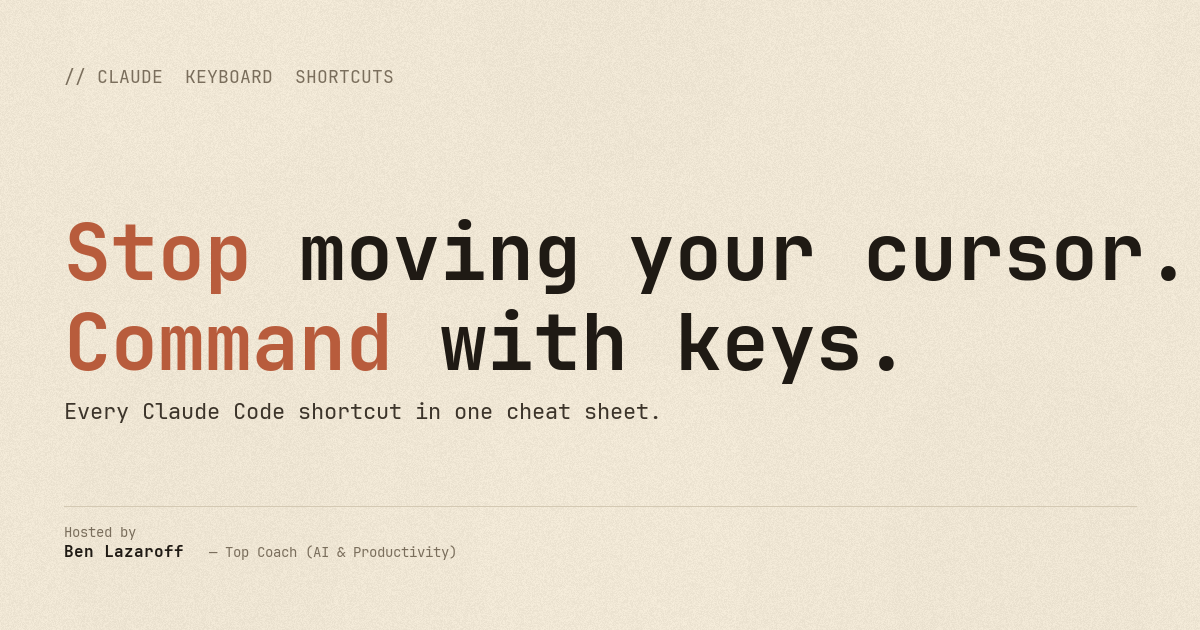
The Claude Code Keyboard Shortcuts Cheat Sheet
A one-page visual reference for every Claude Code keyboard shortcut — modes, input, navigation, prompts, IDE integration, and desktop hotkeys. Built for anyone using Claude daily who wants to stop reaching for their mouse and start commanding at the speed of thought. Pro tip: pair this with WISPR Flow to work like 5x faster: https://wisprflow.ai/r?BEN101358 -- my philosophy is that your work and your output shouldn't be restricted by the physical.
![Freeing the People's Data: AI Agents for Legislative Transparency [5/20/2026] (Recording)](https://customer-14xsjmjbqk93tdwp.cloudflarestream.com/c3d5b2545f95dfaf7afe3ac019f5e803/thumbnails/thumbnail.jpg)
Freeing the People's Data: AI Agents for Legislative Transparency [5/20/2026] (Recording)
Struggling to make sense of fragmented legislative data or build tools that surface it in a usable way? This session is for builders, policy professionals, and researchers who want to use AI agents to unlock and structure public legislative data for real transparency. You’ll learn how to design agents that gather and normalize data across sources, create workflows that turn raw information into searchable insights, and evaluate outputs for accuracy and bias. Attending live gives you the opportunity to ask technical and strategic questions about your own use cases and get clarity in real time. The speaker works closely with practitioners and will share the patterns they see when building systems that actually get used, along with what they look for when evaluating effectiveness and trust. If you’re serious about turning legislative data into something actionable, it’s worth joining live.
![Build Your Personal Brand & Thought Leadership System with Claude + Notion [5/20/2026] (Recording)](https://customer-14xsjmjbqk93tdwp.cloudflarestream.com/63d4fd7c362b67a8ac1c81d325b8e395/thumbnails/thumbnail.jpg)
Build Your Personal Brand & Thought Leadership System with Claude + Notion [5/20/2026] (Recording)
Personal branding is your ticket to excelling in the AI age. Most professionals know they should be creating content yet almost none of us do it consistently. Not because we lack ideas, but because we have no system to enable consistency. In this session, we'll build one. Using the network analysis from last week, we'll use Claude to generate a content calendar built around your actual expertise, then turn each idea into multiple formats: a LinkedIn post, a story hook, a networking pitch, and more. Everything lives in a pre-built Notion template you duplicate at the start of the session, so you spend the full session generating content, not building infrastructure. Outcome for attendees: A content calendar tailored to their specific network audience and a reusable Claude + Notion workflow they can run every month independently Session pre-requisites: Claude account & Notion account — free is fine 🙂

Free

Job Search Operating System | Prompt Library
Build Your Own Job Search OS — Companion Guide — the underlying system from the May 13 Build Anything session, packaged so you can recreate it from scratch. Inside: - Step-by-step build for the 6 trackers in Notion or Excel: full property lists, view filters, exact column headers - The full prompt library, every prompt mapped to a specific moment in your search (spotting a role, auto-filling an application, weekly inbox sweep, interview prep, reference calls) - A 7-day runbook to get the whole system live inside a week - Scheduled-task templates for the morning brief, weekly sweep, and Sunday retro - A failure-modes table for when the prompts don't behave This is for anyone running a real job search who's tired of holding 50 active threads in their head, rewriting "why this company" for the 47th time, or losing track of which recruiter said "check back in a month." You walk away with working trackers, prompts you can actually run, and daily/weekly cadence prompts to keep you up to date so you can focus on networking, prep and the more important human components of a real-life job search.
![Getting Started With an Always-On AI Agent for the Working Professional [5/19/2026] (Recording)](https://customer-14xsjmjbqk93tdwp.cloudflarestream.com/0eb83b53a3d87ae862c5628c17b78081/thumbnails/thumbnail.jpg)
Getting Started With an Always-On AI Agent for the Working Professional [5/19/2026] (Recording)
After this session, you will know how to set up an AI agent that runs in the background of your work life, handling recurring tasks without requiring your attention each time. We will cover how to identify which professional workflows are worth automating first, how to choose and configure the right tools for a working professional's setup, and how to keep an agent running reliably after the initial build. Attending live means you can describe your actual job and get a direct read on where automation would give you the most leverage, something a recording cannot replicate. The coach works with AI agents daily and will share the patterns that separate setups that hold up over time from ones that quietly break.
Free
![Design Beautiful Presentations with Claude [5/19/2026] (Recording)](https://leland-plus-prod.9bc68203d95eb519db9e0dcc0fcbedc3.r2.cloudflarestorage.com/uploads/image/png/6035c20c-90c9-4cce-98c6-b2e1a5d5a8d1.png?X-Amz-Algorithm=AWS4-HMAC-SHA256&X-Amz-Content-Sha256=UNSIGNED-PAYLOAD&X-Amz-Credential=f019ee354caeae2b9ab1c5690c7b47c4%2F20260530%2Fauto%2Fs3%2Faws4_request&X-Amz-Date=20260530T074945Z&X-Amz-Expires=172800&X-Amz-Signature=1ca5130f7575964a35867b70e26f7c42e11c4d59680bb402a847cdf75b82b8ad&X-Amz-SignedHeaders=host&x-id=GetObject)
Design Beautiful Presentations with Claude [5/19/2026] (Recording)
Build Anything Series · Event 02 · Free · Live Most people use Claude as a writing assistant and stop there. Then they open PowerPoint, fight with templates for two hours, and ship something that looks like every other deck. There's a better way. In this hour, we'll build presentations end-to-end with Claude — from a one-line brief to polished, on-brand slides. No templates, no stock-photo aesthetic, no drag-the-text-box-three-pixels-left. What we'll build live: - Generate a deck from a one-line brief — outline, structure, narrative arc, all in one prompt loop - Iterate without leaving Claude — slide-by-slide refinement using structured prompts (not "make it better") - Export polished, on-brand presentations — color systems, type, layout, rendered cleanly Who it's for: - Coaches, consultants, founders, PMs who present often and hate the deck-building tax - People who've prompted Claude for design work and gotten generic results - Anyone who wants their slides to feel like theirs, not a SaaS template Not a fit if: - You're already a senior visual designer with a tight workflow - You want to learn pure Figma/Keynote craft — this is about directing AI to do most of the work We'll talk about where Claude excels (structure, narrative, copy, layout systems) and where it still needs you (taste, judgment, the final 10% of polish). Bring a real project you'd like to work on — fastest way to learn.
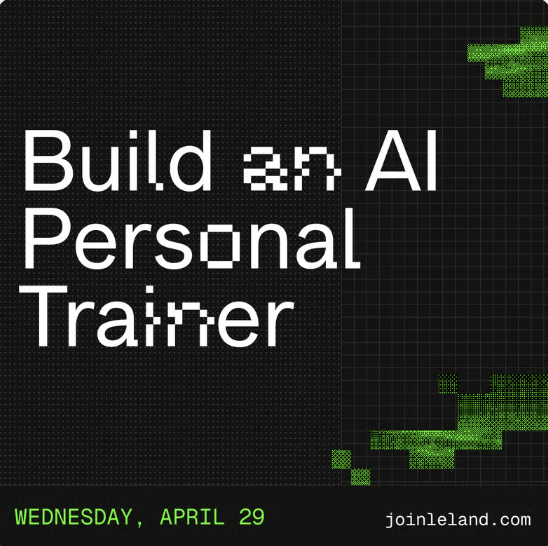
Build an AI Personal Trainer
A good personal trainer costs $100 an hour and sees you twice a week. Yours will live in your pocket, cost nothing, and know exactly what to tell you the morning after you slept four hours. Join Jon Metz, Principal AI Product Manager at Nike, for an exclusive AI Builder session where you'll build your own AI personal trainer from scratch. Jon will walk you through every step, and by the end of the hour you'll have a working AI that takes your health information and fitness goals and generates a plan that's actually yours. This isn't a demo. You'll be building alongside him in real time, so you'll leave with a finished product, not a to-do list. Jon spends his days at Nike figuring out how AI can meet athletes where they are. Now he's bringing that expertise directly to you. Open exclusively to AI Builder Program members.

Vibe Coding Prompts That Work
Anyone who has vibe-coded knows that it takes practice and iteration to learn what does and doesn't work effectively. Here we break down some principles to help flatten out the learning-curve, improve your outputs, and save you tokens.
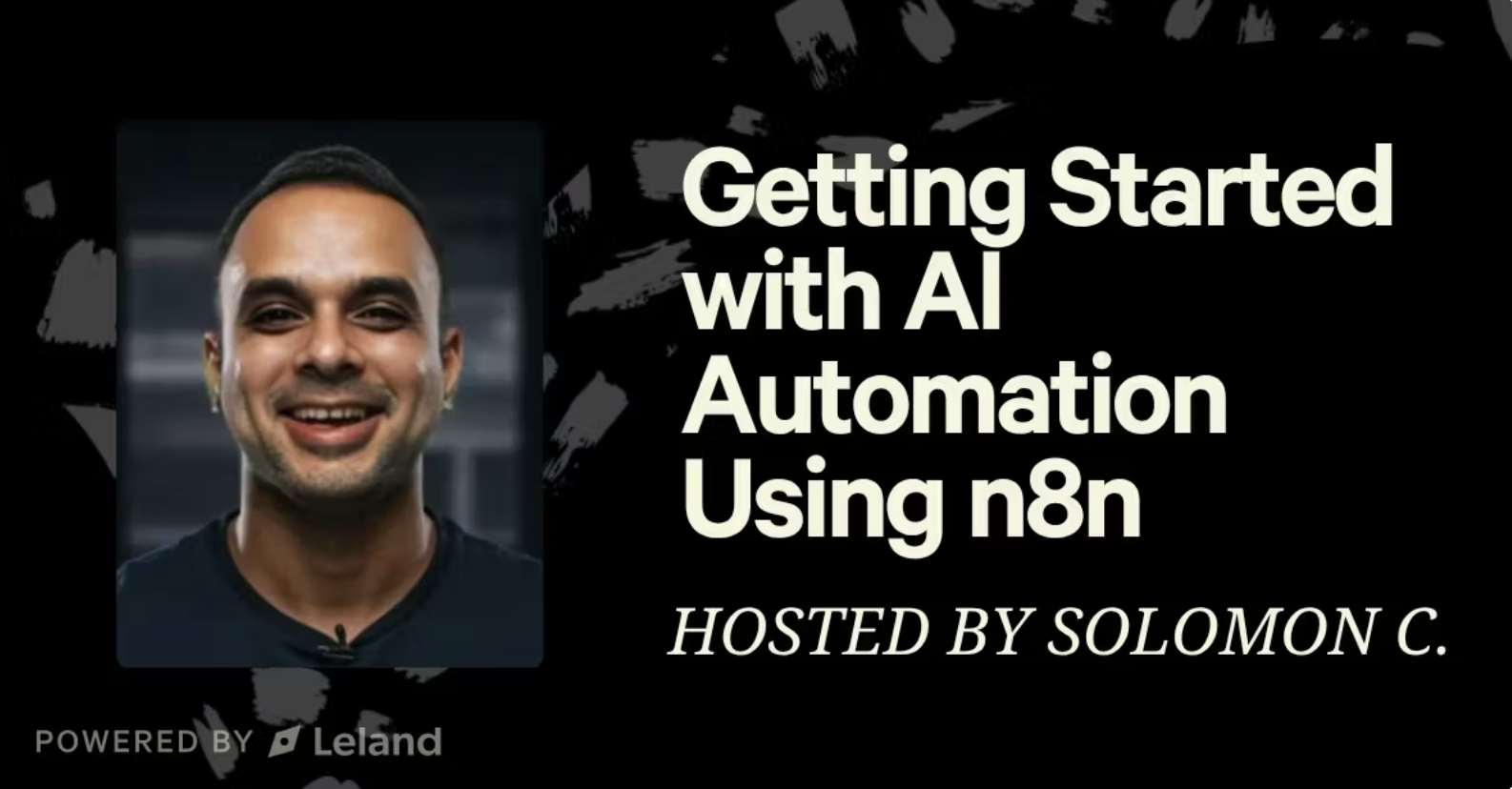
Getting Started with AI Automation Using n8n
Join Leland coach Solomon C, an automation expert who has helped thousands of people globally get started with n8n, AI + Automation and scale output using no-code and low-code tools. This fast-paced 45-minute session is designed to give you everything you need to get started: installing n8n, navigating the platform, understanding core nodes, and building your first functional automation.

Intro to AI Productivity: Everything is 1's and 0's
This is a basic introduction to AI that helps establish simple concepts.

Prototyping with AI: How to Quickly Turn Your Idea Into Reality
After this session, you will know how to take a rough idea and turn it into a working AI-powered prototype without a traditional engineering background. We will cover how to choose the right AI tools for your specific use case, how to structure an agent workflow that actually runs, and how to avoid the scoping mistakes that stall most early-stage builds.
Free
![Top 10 Ways to use Claude in Your Business [5/11/2026] (Recording)](https://customer-14xsjmjbqk93tdwp.cloudflarestream.com/0e936d9ed2e7113c0d2b269616bc9ec8/thumbnails/thumbnail.jpg)
Top 10 Ways to use Claude in Your Business [5/11/2026] (Recording)
FREE BOOTCAMP SEAT GIVEAWAY ($999 VALUE). After this session, you will know how to put Claude to work inside a real business workflow. We will cover how to build effective prompts for client-facing deliverables, how to set up simple automation sequences that save hours each week, and how to identify which repetitive tasks in your business are the best candidates for AI handling first. Attending live means you can describe your specific business context and get a direct answer about where Claude fits, something a recording cannot replicate. The coach works with AI tools daily across client engagements, and this session reflects the kind of practical judgment that only comes from building and iterating these systems in the real world.
Free
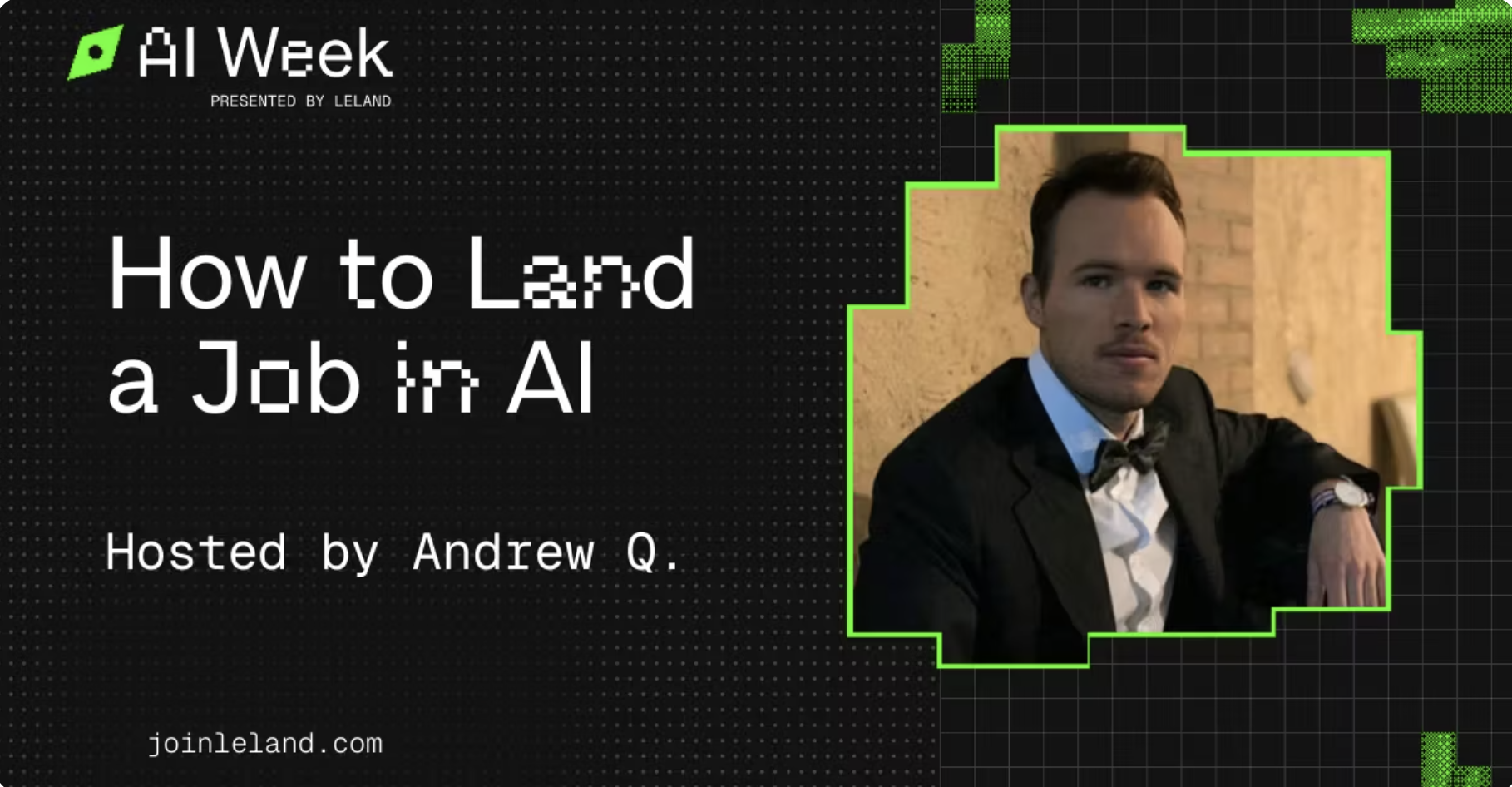
How to Land a Job in AI
Curious how to break into the fast-growing world of Artificial Intelligence? Whether you’re coming from a technical background, transitioning from another industry, or just starting to explore AI-related roles, this session will give you a clear roadmap to get there. In this workshop, we’ll cover what it really takes to land a job in AI—from identifying the right roles and building in-demand skills to positioning your resume, projects, and experience to stand out. You’ll learn how hiring teams evaluate candidates, how to showcase your technical and non-technical strengths, and how to avoid common pitfalls when breaking into the field. Whether you’re aiming for roles in machine learning, data science, product, research, or applied AI, this session will equip you with practical insights and actionable strategies to help you compete—and succeed—in today’s AI job market.
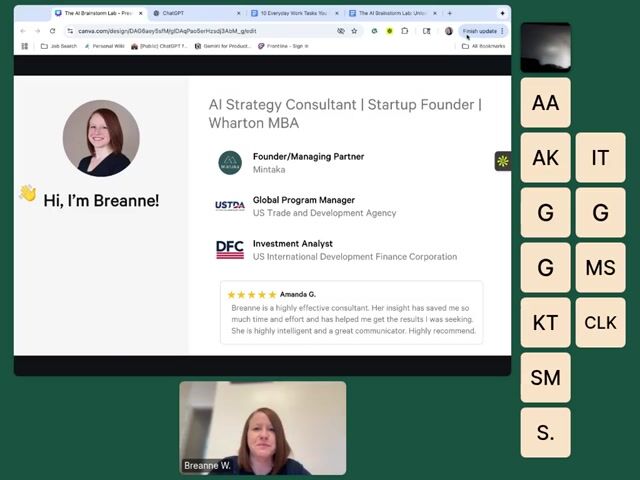
The AI Brainstorm Lab: Turn Any Idea Into 10 Better Ones
Discover how to use AI as your creative partner, not just your assistant. In this hands-on lab, you’ll learn how to generate, expand, and refine ideas using ChatGPT or Claude—whether you’re naming a project, planning a campaign, or trying to get unstuck. Outcomes: You’ll leave with 10+ new ideas generated live, a framework for evaluating and combining AI suggestions, and practical techniques for overcoming creative blocks and turning raw ideas into real concepts. Learning Objectives: *Recognize where AI can enhance creative thinking and idea generation *Use structured prompting techniques to expand, combine, and refine ideas *Apply AI brainstorming methods to generate actionable outputs for real projects


A Skill for Sharing Skills
"/share-skills" will package installed agent skills into shareable zip or .md files, clean tool-specific and user-specific references, and provide recipients with ready-to-paste install commands. To install, run this in your terminal after downloading the file: unzip ~/Downloads/share-skills-skill.zip -d ~/.claude/skills/share-skills/
Free

PDF Skill
"/pdf" will create, extract text from, merge, split, and fill PDF documents and forms programmatically. To install, run this in your terminal after downloading the file: unzip ~/Downloads/pdf-skill.zip -d ~/.agents/skills/