The 5 Best AI Tools & Agents for Small Businesses: Reviewed & Ranked (2026)
Compare the 5 best AI agents for small businesses in 2026. Reviews of features, pricing, and real value for small business owners.
Posted July 7, 2026




Table of Contents
Repetitive work fills a small business owner's day. You answer the same questions, follow up on leads, and update records by hand, and the hours add up. AI agents take that load off your plate.
This guide ranks the five best ones for small businesses in 2026, best overall first, with pricing checked against each vendor, clear pros and cons, and a plan for getting your first AI agent running.
What AI Agents for Small Businesses Actually Do
An AI agent is software that can plan steps, use your existing tools, and finish a task with little human input. That is the line between an AI agent and a basic chatbot. A chatbot waits for a question and answers. An AI agent reads an input, makes a decision, takes an action, and moves to the next step on its own. When people talk about autonomous AI agents, this is what they mean. The agent works toward a goal across multiple systems instead of answering one prompt at a time.
For a small business, that difference shows up in the work an agent can carry. AI agents work across your business operations, handling jobs like these:
- Answering common customer inquiries and routing the hard ones to a person
- Qualifying leads and supporting lead generation for your sales team
- Scheduling appointments and sending follow-up emails
- Drafting blog posts and social media posts in your brand voice
- Updating CRM data after a call or a form submission
- Tracking inventory management and flagging low stock
- Pulling weekly numbers from multiple systems into one report
The value is plain. You stop paying the small team tax of constant manual coordination, and you get more output from the team and tools you already have.
Read: Agentic AI vs. AI Agents: Differences & What You Need to Know
AI Agents vs. AI Tools vs. Chatbots
These three terms get mixed up, so here is a simple way to keep them straight. AI tools is the broad category. It covers anything that uses artificial intelligence, from a writing assistant to an image generator. A chatbot is a narrow AI tool that replies to messages. An AI agent goes further. It can use other tools, follow custom logic, and complete multi-step tasks without you guiding each step.
Think of it this way. A chatbot is a fast librarian who answers what you ask. An autonomous agent is closer to a team member who takes the assignment, does the research, and hands back finished work.
Read: Claude vs. ChatGPT vs. Gemini: Pros & Cons and Which AI Tool is Best for You
The 5 Levels of Agent Autonomy
Agents come with different amounts of freedom. Knowing the levels helps you decide how much control to hand over before you build agents of your own.
| Level | What it does | Example for a small business |
|---|---|---|
| 1 | Scripted chatbot, fixed answers | A pop-up that answers set FAQs |
| 2 | Adds reasoning to its replies | A lead screener that scores inquiries |
| 3 | Runs repeatable workflows | An onboarding agent that sends a welcome email, intake form, and calendar link |
| 4 | Acts within set rules and guardrails | A support agent that issues refunds under a dollar cap |
| 5 | Multi-agent orchestration | Several specialized agents that pass work between them |
Most small business owners start at levels 2 and 3. You get real value fast without handing over decisions that need human judgment.
Read: What "Multi-Agent" Means & Why It's Important (With Examples)
How AI Agents Work Behind the Scenes
AI agents work by combining a language model with access to your tools. You define instructions in plain language, such as "when a lead fills out the form, score it, then email the sales team." The agent reads the input, decides the next step, and connects to external systems like your inbox, calendar, or CRM to act. Some agents run inside a no-code app you set up by clicking and typing. Others need to write code and a developer. Most tools below sit on the no-code end, which is why they fit non-technical teams.
Read: How to Build an AI Model: Foundations & Tips for Your First LLM
How We Reviewed and Ranked These AI Agents
We scored each tool on the factors that matter to a small team rather than to an enterprise IT department:
- Setup effort. Can a non-technical founder get working agents running in a day, or does it need technical expertise?
- Key features. Does it cover more than one job, such as support plus scheduling plus follow-up?
- Existing tools. Does it connect to the software you already use, like Gmail, Slack, and your CRM?
- Pricing. Is there a free plan or a clear path through paid plans, and do costs stay predictable?
- Real value. Does it deliver measurable time savings for a small business, or does it add another tool to manage?
Every price here comes from the vendor's own pricing page and was checked in June 2026. No vendor paid for placement. Prices change often, so confirm the current rate before you buy.
The 5 Best AI Agents for Small Businesses at a Glance
| Tool | Base subscription | Required platform subscription | AI usage fees | Likely monthly cost for a small team | Main overage risk |
|---|---|---|---|---|---|
| Lindy | Plus starts at $49.99/month | None beyond the Lindy plan | Credits are consumed when agents run tasks; voice calls and premium models use more credits | About $50-$150+ per month, depending on workflow volume and model use | Credit consumption can be difficult to predict, especially for voice agents or complex, multi-step workflows |
| Zapier | Professional starts at $19.99/month when billed annually or $29.99/month when billed monthly | None for standard automation; Zapier Agents and Chatbots may require separate plans | Task-based billing for automations; agent products may have their own usage limits | About $20-$75+ per month for a small team running moderate automation | Every successful action can count as a task, so high-volume or multi-step workflows can raise costs quickly |
| Tidio with Lyro | Starter begins at $24.17/month annually or $29/month monthly | A Tidio customer-service plan is required | Lyro AI conversations are billed separately from human-agent and automation usage | About $30-$100+ per month, depending on support volume and the number of AI conversations | Costs can stack across AI conversations, human-assisted chats, and automated flows |
| HubSpot Breeze | HubSpot Starter begins at $7 per seat monthly when billed annually or $10 per seat monthly | Meaningful Breeze Agent functionality may require a Professional or Enterprise HubSpot subscription | Some agents use HubSpot Credits or outcome-based pricing | Do not use the Starter price as the expected total. The real cost may be hundreds of dollars per month or more once the required HubSpot tier, seats, and agent usage are included | The low advertised seat price can obscure the cost of the CRM tier and credits required to run advanced agents |
| Salesforce Agentforce | Usage starts at $2 per conversation or $0.10 per action, depending on the pricing model | Requires an eligible paid Salesforce edition; effective use may also depend on Data Cloud and implementation support | Per-conversation or per-action charges | Usually several hundred dollars per month or more once Salesforce licensing, data infrastructure, setup, and agent usage are included | Usage charges can scale quickly, but the larger risk is the total platform cost required before Agentforce becomes useful |
These ranges are planning estimates, not quotes. Actual costs depend on the number of users, workflows, actions, conversations, and premium features your business uses. Confirm the required subscription tier and included usage directly with the vendor before purchasing.
The Most Important Pricing Distinction
Lindy, Zapier, and Tidio can generally be evaluated from their standalone subscription and usage costs. HubSpot Breeze and Salesforce Agentforce are different. Their agent pricing sits on top of a broader CRM ecosystem.
For HubSpot, the advertised Starter seat price does not necessarily give you access to the advanced Breeze Agents described in this guide. A business may need a Professional or Enterprise Hub, paid seats, and additional credits before those agents can run at a meaningful volume.
Salesforce has a similar issue. The per-conversation or per-action rate sounds inexpensive in isolation, but Agentforce is designed to work inside Salesforce. A small business must account for its Salesforce edition, Data Cloud requirements, implementation work, and ongoing usage charges.
For that reason, Breeze and Agentforce are usually economical only when the business already uses the underlying CRM and has clean customer data inside it. They are rarely the cheapest way for a small business to launch its first AI agent.
How to Estimate Your Own Monthly Cost
Before choosing a tool, calculate the likely cost using a real workflow rather than the advertised entry price.
Estimate:
- How many times will the workflow run each month?
- How many actions, tasks, credits, or conversations will each run consume?
- Which subscription tier unlocks the features you need?
- Whether you need additional seats, CRM products, or data tools.
- How much time will someone spend maintaining the agent?
For example, a support agent handling 500 customer conversations per month should be priced using 500 conversations, not the vendor’s lowest subscription. A lead-management agent that performs six actions for every new inquiry should be estimated using the total number of actions, not just the number of leads.
The lowest advertised price is useful for screening tools. The full workflow cost is what should determine the purchase.
Note: Confirm inside your account before you commit.
The 5 Best AI Agents for Small Businesses
Lindy: Best AI Agent for Most Small Businesses
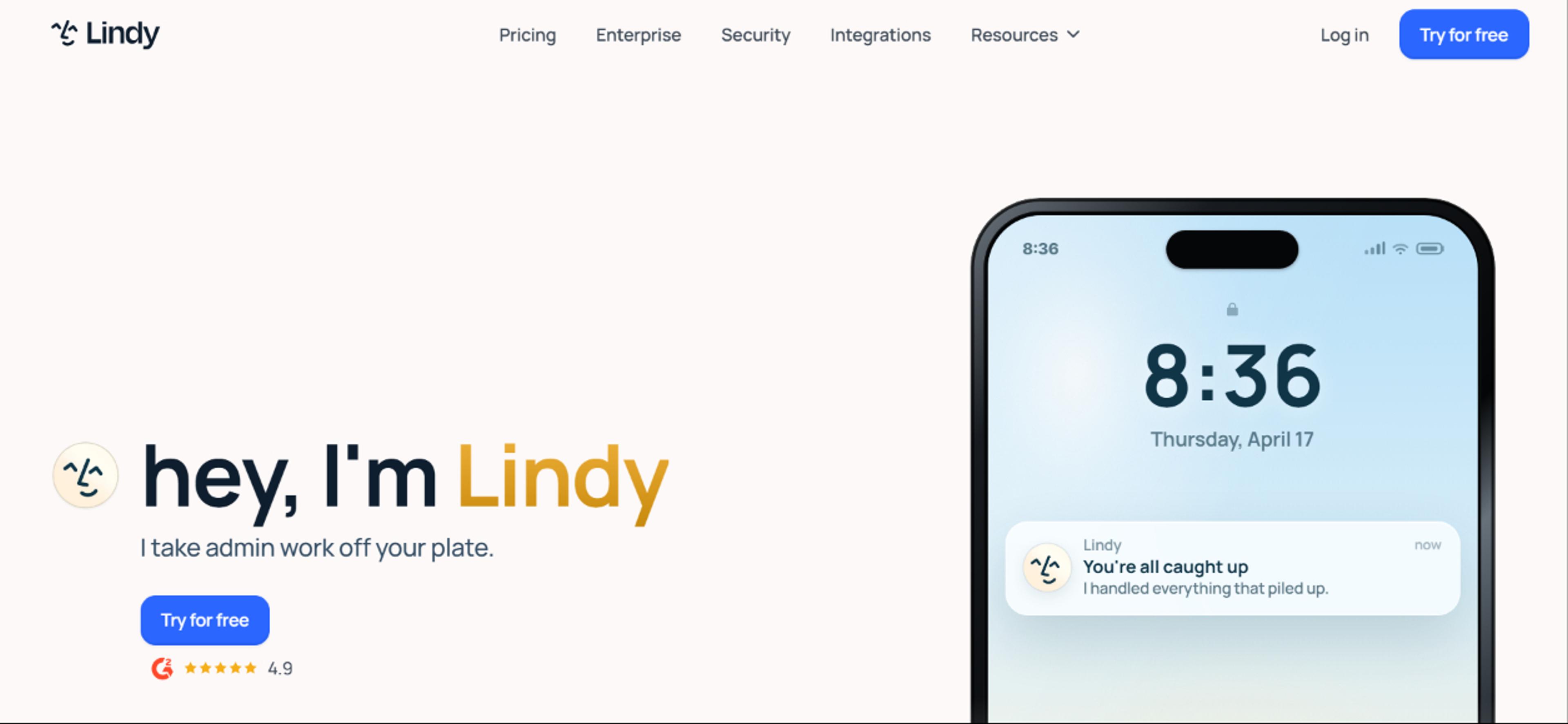
Image Reference: Lindy.ai
Lindy is a no-code AI agent builder that helps a small team automate work across email, CRM, scheduling, and support. You pick a template, connect your tools, and add instructions in plain language. Most teams launch a working agent on day one, which is why it takes the top spot for general use.
What sets it apart is its range. One Lindy can triage your inbox, another can qualify a lead and book a meeting with your sales team, and a third can draft follow-up emails in your brand voice. The agents share context, so a qualification agent can hand a lead to a scheduling agent without you in the middle. You can also build custom multi-agent systems where multiple agents each take a role and pass work down the line.
Key features
- No code builder for email triage, lead routing, follow-up, and more
- Thousands of integrations across CRMs, calendars, and common small business tools
- Prebuilt templates for scheduling, onboarding, and support
- Context sharing and multi-agent orchestration between multiple agents
- Support across email, chat, voice, and documents
- Human-in-the-loop control for sensitive tasks
Pros
- Easy to set up without technical expertise
- Strong template library for small business workflows
- Build working agents using natural language
Cons
- Credit-based pricing makes monthly costs hard to predict at higher volumes
- Voice calling and premium models burn credits faster
When to pick: Pick Lindy if you want the best mix of speed and range. It covers the everyday work of running a small business and gets you to value fast, with room to grow into custom agents later.
Zapier: Best for Plug-and-Play Automation
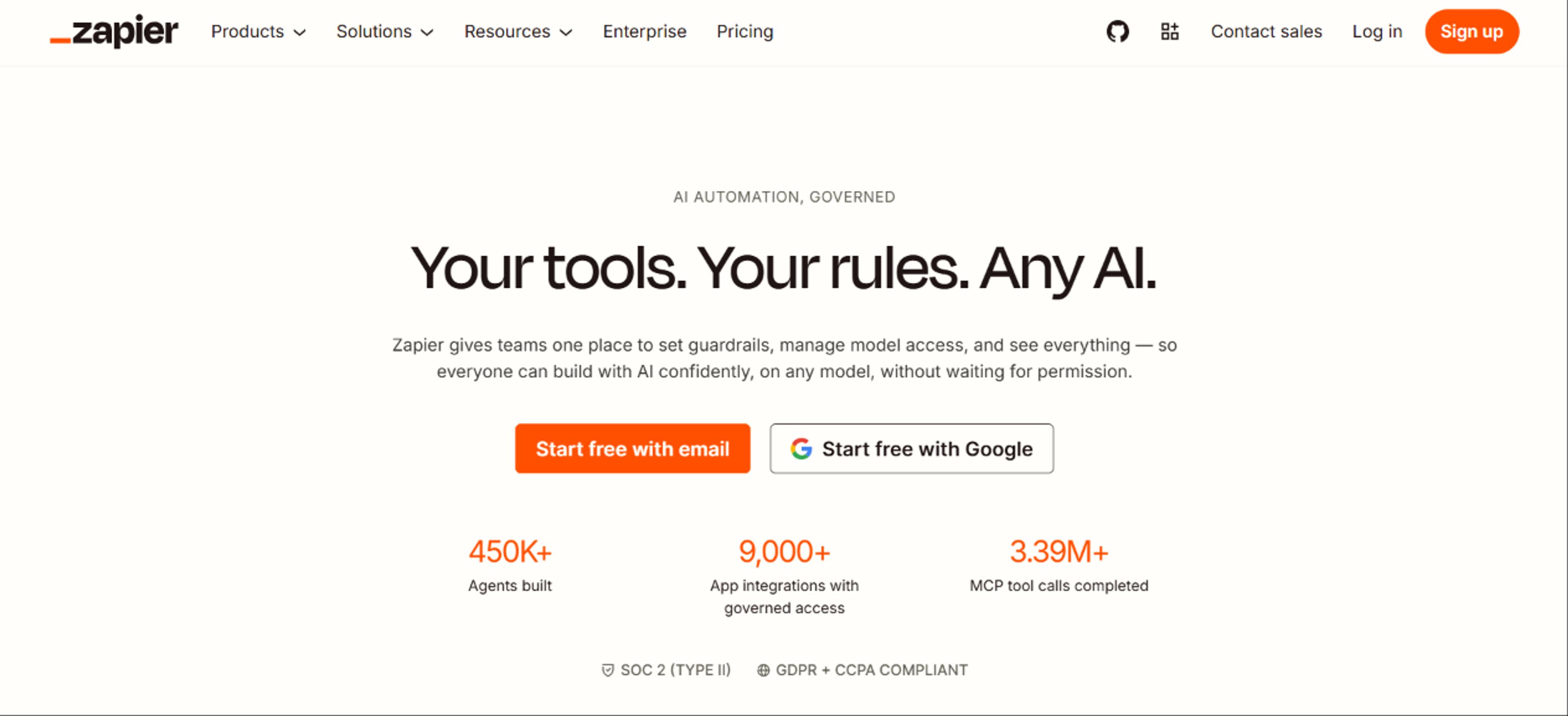
Image Reference: Zapier.com
Zapier links your existing tools and runs basic automation without code. For a small business that wants quick wins, such as tagging a lead, sending a reminder, or posting a form entry to a sheet, Zapier is the fastest way to start. It ranks second because it is the easiest on-ramp into workflow automation, even if it is lighter on true agent reasoning than Lindy.
Zapier is built for simple, rule-based workflows. When a task needs judgment or context, you may outgrow it and move to a more agent-first tool. As a plug-and-play solution to connect tools and automate repetitive tasks, though, it is hard to beat for ease and reach.
Key features
- Thousands of app integrations across your existing systems
- Copilot that builds a workflow from a plain language prompt
- Zapier Agents for AI-driven actions, billed separately
- Tables and Forms are included on all plans
Pros
- Simple enough for non-technical users with no prompt engineering
- The largest integration library in the category
- Mature and reliable
Cons
- AI Agents and Chatbots are separate paid add-ons
- Task-based costs rise fast at higher volume
When to pick: Start with Zapier when you want a fast, low-risk way to automate repetitive tasks and connect the tools you already use before investing in a full agent platform.
Tidio With Lyro: Best for Customer Inquiries and Support
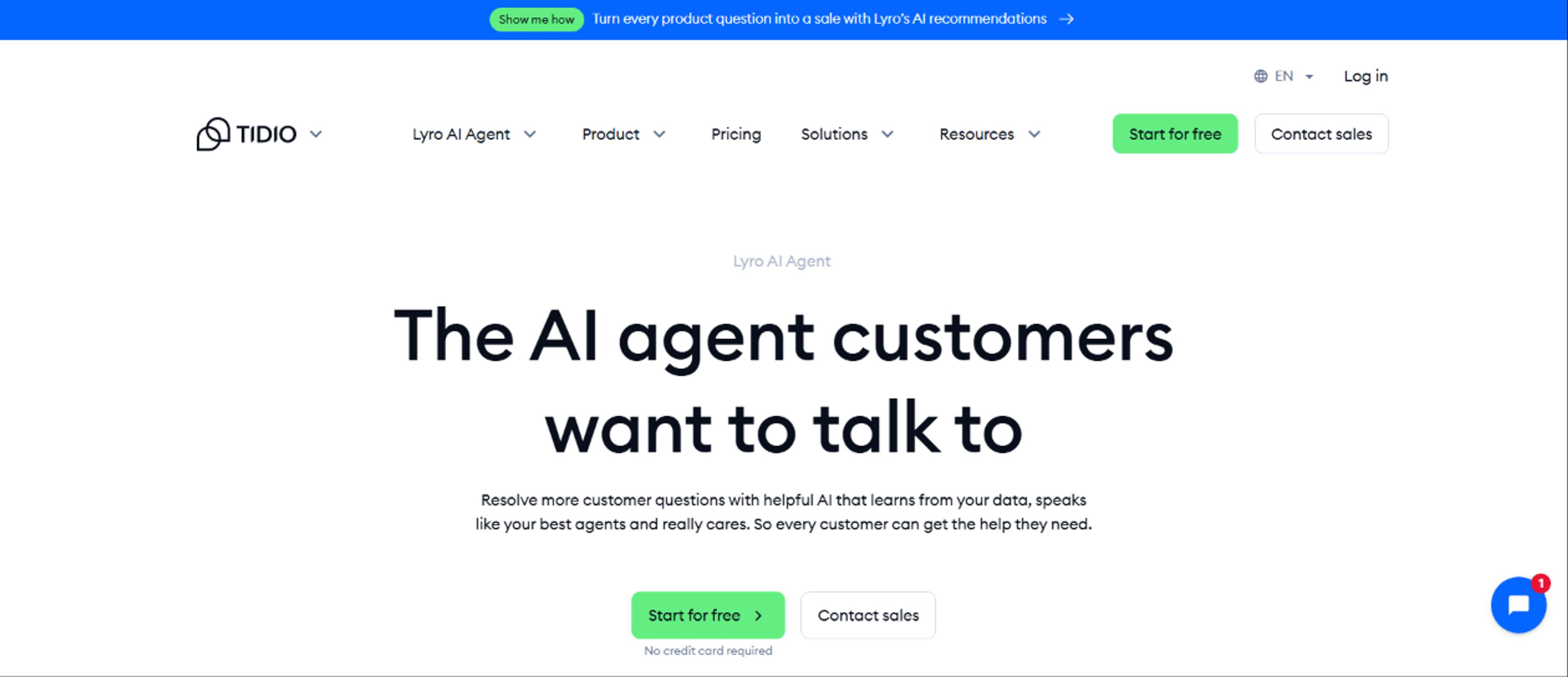
Image Reference: Tidio.com
Tidio is a customer service platform, and its AI agent, Lyro, handles customer inquiries across multiple channels. Lyro reads your help content, replies in natural language, and escalates to a person when a question falls outside its scope.
Lyro fits an online business that fields repeat questions about pricing, orders, and availability. It is easy to set up, connects to platforms like Shopify, and keeps a human handoff in place for harder cases. It ranks third because it does one job well rather than the full spread of business operations.
Key features
- AI agent that answers questions from your own content for accurate answers
- Multichannel support across chat, email, and social
- Human handoff for questions the agent cannot resolve
- Drag-and-drop flow builder for rule-based paths
Pros
- Fast setup for non-technical teams
- Resolves a large share of repeat customer interactions
- Built into a full support platform
Cons
- AI is a separate add-on, not included in base plans
- Conversation-based billing can stack up across human chats, AI chats, and flows
When to pick: Choose Tidio with Lyro when support volume is your main pain and you want accurate answers drawn from your own help content.
HubSpot Breeze: Best for Marketing and CRM Automation
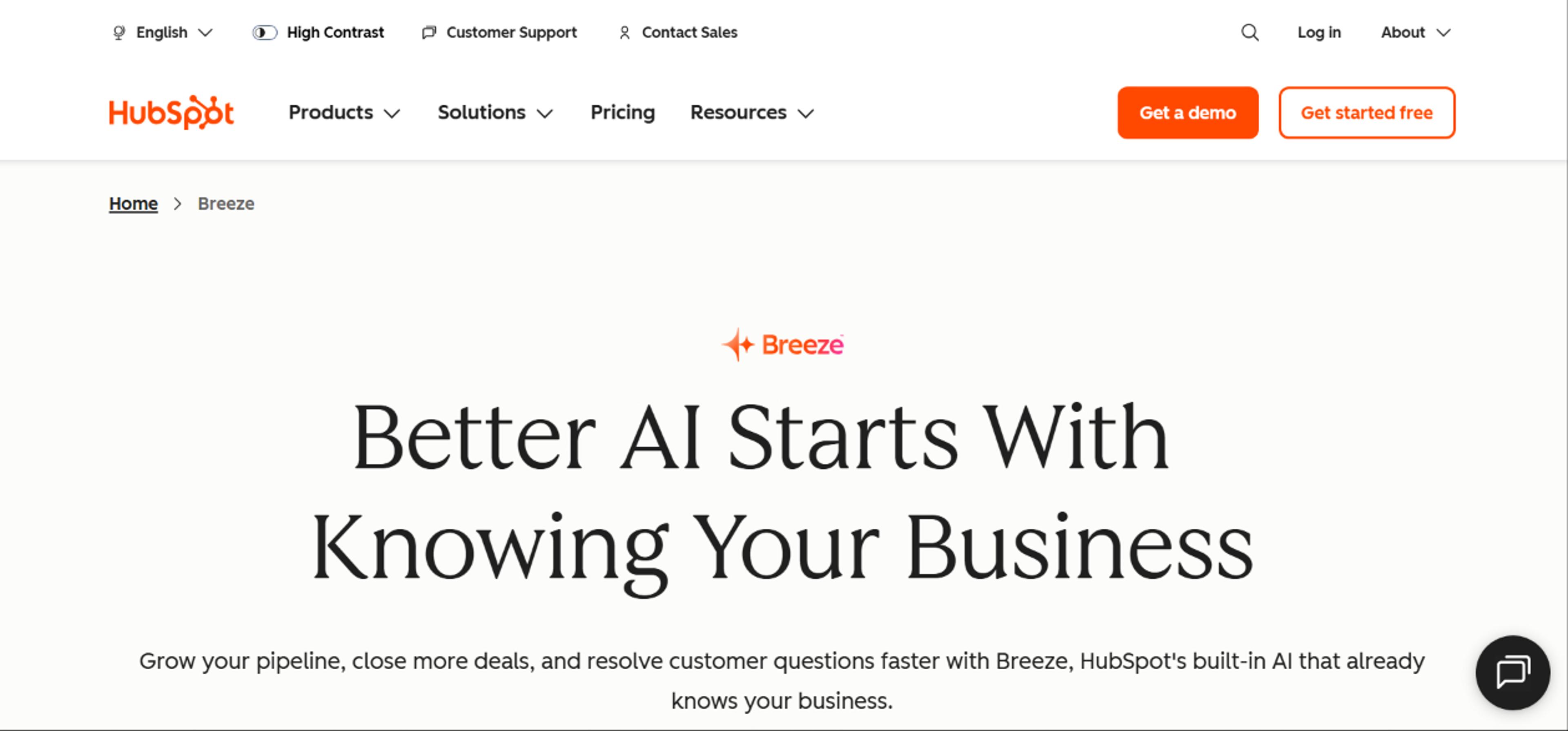
Image Reference: HubSpot.com
Breeze Agents act on your customer data inside the CRM, so they do not need you to sync tools or move files. This earns its spot because it covers marketing, sales, and support in one place for HubSpot users, which is rare in this list. The trade-off is that it only reasons over data inside HubSpot. If your information lives in spreadsheets or other apps, Breeze cannot see it without extra work, and the agents need a paid HubSpot subscription to run.
Key features
- Content Agent for drafting blog posts, landing pages, and campaigns
- Social Media Agent who plans and publishes posts
- Customer Agent for support, Prospecting Agent for lead generation
- Brand voice learning applied to emails, posts, and pages
- Breeze Assistant for everyday CRM tasks, included with paid seats
Pros
- Deep CRM integration with your existing customer data
- Covers marketing, sales, and support from one platform
- Outcome-based pricing for its top agents, so you pay when the work is completed
Cons
- Only works well when HubSpot is your main system of record
- Agents need a Professional or Enterprise subscription, and credits can climb with volume
When to pick: Choose HubSpot Breeze if HubSpot is already your CRM and you want agents that draft content, work leads, and answer support from your own business data.
Salesforce Agentforce: Best for Businesses Already on Salesforce
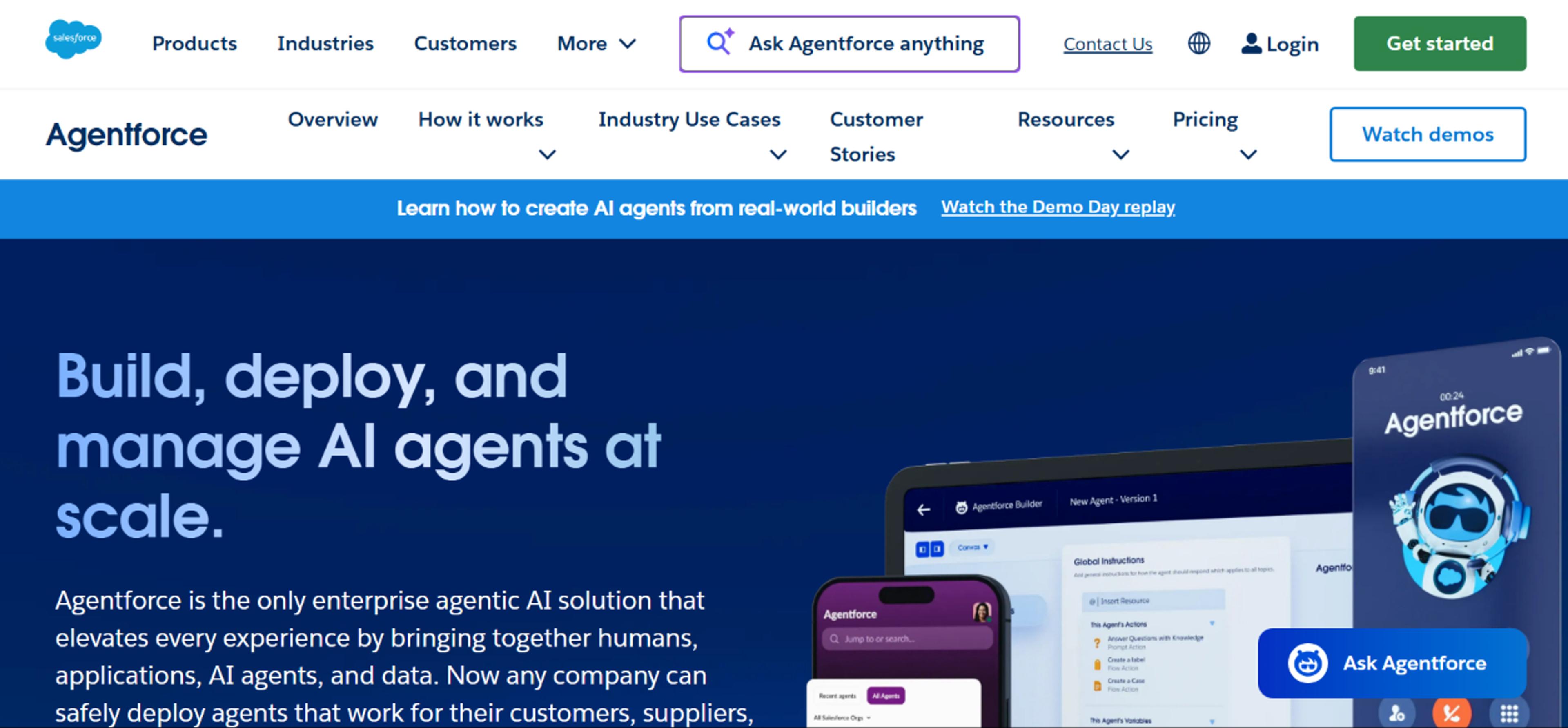
Image Reference: Salesforce.com
Agentforce is Salesforce's agent platform, built for businesses that run their operations inside Salesforce. Because it sits on your CRM data, an Agentforce agent can read purchase history, open tickets, and past activity, then plan and take action, such as updating a record or resolving a support request. You define instructions in plain language and assign the actions an agent can take, which gives you control without writing code.
Agentforce ranks fifth. It is powerful, but reviewers consistently flag its pricing as steep for small businesses, and it depends on a paid Salesforce edition plus Data Cloud to work well. It belongs on this list for the small business already invested in Salesforce, not for a lean team looking for a first AI agent.
Key features
- Atlas reasoning engine that plans steps before acting
- Deep integration with Salesforce contacts, deals, and tickets
- Agent builder where you define instructions and allowed actions
- Guardrails that check responses before they are sent
- Marketplace to extend agents with third-party tools
Pros
- Acts directly on your Salesforce customer data
- Strong for high-volume customer interactions and complex automation
- Multiple pricing models to match different use cases
Cons
- Often too expensive and complex for small businesses with simple needs
- Requires a paid Salesforce edition and Data Cloud, plus setup work
When to pick: Pick Agentforce only if your business already runs on Salesforce and you have the budget and data to support it. Otherwise, one of the tools above will get you more value for less.
Read: 20 Examples of AI Agents and Workflows: Real Use Cases by Business Function
How to Choose the Right AI Agent for Your Small Business
The best AI agent is the one that fits your biggest problem, your existing systems, and your budget. Use the steps below to narrow it down.
Match the Agent to Your Biggest Time Drain
Start with the work that eats the most hours, then pick the tool built for it.
- Customer inquiries pile up → Tidio with Lyro
- You copy data between apps all day → Zapier
- You want one tool across ops, sales, and support → Lindy
- You already run HubSpot and want content plus lead work → HubSpot Breeze
- You already run Salesforce and need CRM agents → Salesforce Agentforce
If you are not sure, start where the pain is loudest. You can add a second tool later.
What It Really Costs Beyond the Sticker Price
The monthly plan price is rarely the full cost. Watch for three things. First, usage overages. Credit- and conversation-based tools charge more as agents run more, so a busy month can cost well above the base rate. Second, setup time. A platform tied to a big CRM, like Breeze or Agentforce, needs clean data and configuration before it earns its keep. Third, ongoing maintenance. Agents need their instructions and connections updated as your business changes. Costs drift most often when no one tracks these three.
Integrations, Your Tech Stack, and Existing Systems
An agent is only useful if it plugs into the tools you already run. Before you buy, list your core systems, such as your inbox, calendar, CRM, and chat, and confirm the tool connects to each. Zapier and Lindy connect to thousands of common small business tools out of the box. Breeze and Agentforce work best when their parent CRM is your main system of record, so check that fit before you commit.
Where to Keep Human Judgment in the Loop
AI agents handle repetitive tasks and multi-step processes well. They do not replace human judgment. Keep a person in the loop for anything that needs relationships, sensitive decisions, or a final review, such as a refund above a set amount or a reply to an upset customer. The goal is to free your team for higher-value work, not to hand over the calls that need a team member.
Your First 30 Days With an AI Agent
You do not need a big rollout. Run this 30-day plan and build from one win.
- Week 1: Pick one workflow. Choose the single repetitive task that eats the most time, such as scheduling appointments or sending the first reply to customer inquiries. Start where you wear the most hats.
- Week 1: Set up your first AI agent. Use a template, connect the tool, and write instructions in plain language. You are not building custom AI agents from scratch yet, so keep the first one simple.
- Week 2: Test it on real inputs. Run it against actual messages and past interactions, then watch where it stalls. Fix the instructions, not the whole setup.
- Weeks 2 to 3: Measure time saved. Track the hours you win back each week and watch for early signs of better customer satisfaction, like faster reply times.
- Week 4: Add the next workflow. Once the first agent proves real value, automate a second task, such as sales automation for lead follow-up or a weekly report that pulls customer behavior into one view.
By day 30, you have one agent earning its keep, proof of the hours it saves, and the data you need for smarter decision making before you spend more. For practical examples of what to automate next, match each new agent to the task draining your week.
Risks and Limits to Watch For
Plan for these failure modes before you lean on them.
- Test complex handoffs first. Multi-step workflows break at the point where one agent passes work to another, so run those paths before you trust them.
- Keep a human on customer-facing replies. A wrong automated reply costs more trust than a slow human one, so route sensitive customer interactions to a person.
- Clean your data before you turn the agent loose. A support or CRM agent gives accurate answers only when the records behind it are accurate, so fix your knowledge base first. Tools like Relevance AI act on the files you feed them, so the data you upload sets the ceiling on quality.
- Lock down permissions. Agents act across multiple systems and touch customer data, so review and limit what each one can access.
Set clear expectations, build in these checks, and the risks stay manageable.
The Bottom Line
For most small businesses, Lindy is the best AI agent to start with because it covers everyday operations without code. Choose Zapier for plug-and-play basic automation, Tidio with Lyro when customer support is your main load, HubSpot Breeze when you already run HubSpot and want content and lead work, and Salesforce Agentforce when your business already lives in Salesforce.
Get Expert Help Choosing Your First AI Agent
If you want a hand getting started, Leland can help. Our expert coaches work with you one-on-one to pick the tool that fits your existing tools and budget, then set up your first agent. You can also join the Leland Builder Program to learn alongside other small business owners, or watch our live programs to see these workflows built in real time.
Top Coaches
See: The Top 10 AI Agent Builders to Try in 2026
Read these next:
- How to Use AI in Marketing: Tools, Agents, & Examples (2026)
- AI Agents for Business: Use Cases, Examples, & Expert Tips (2026)
- The 5 Best AI Tools & Agents for Sales: Reviewed & Ranked (2026)
- The 10 Best AI Tools & Agents for Startups: Reviewed & Ranked (2026)
- The 5 Best AI Tools for Customer Service (2026): Reviewed and Ranked
- The Best AI Tools & Agents for Project Management (2026)
FAQs
How much do AI agents for small businesses cost?
- Most entry plans run between $20 and $50 per month, and several tools offer a free plan or trial. CRM agents like HubSpot Breeze and Salesforce Agentforce bill per resolved chat or per action and often need a paid platform subscription, so costs rise with usage.
Can AI agents replace a small business employee?
- No. AI agents handle repetitive, rule-based work well, but anything needing judgment, relationships, or creative thinking still needs a person. Treat them as tools that free your team for higher-value work.
Do I need technical expertise to build agents?
- Not for most tools here. Lindy, Zapier, and Tidio are built for non-technical users and run on no-code tools. HubSpot Breeze and Salesforce Agentforce are low-code but need a configured CRM behind them.
What is the difference between an AI agent and an AI tool?
- An AI tool is any software that uses artificial intelligence. An AI agent is a type of AI tool that can plan steps, use other tools, and complete multi-step tasks with little human input.
Which AI agents work with the tools I already use?
- Most connect to common apps like Gmail, Slack, and major CRMs. Zapier has the largest integration library. Breeze and Agentforce fit best if you already use HubSpot or Salesforce. Check each tool's integration list against your existing tools before you buy.
How do I build my own AI agent without writing code?
- Use a no-code app like Lindy or Zapier. Pick a template, connect your accounts, and define instructions in plain language. You can have working agents running the same day.
Are AI agents worth it for a small business?
- For most teams, yes, when you start with one clear workflow and measure the time saved. The real value shows up when an agent removes hours of repetitive work each week.