292 people went

Bianca, Sonia, and 290 others
Hosted by

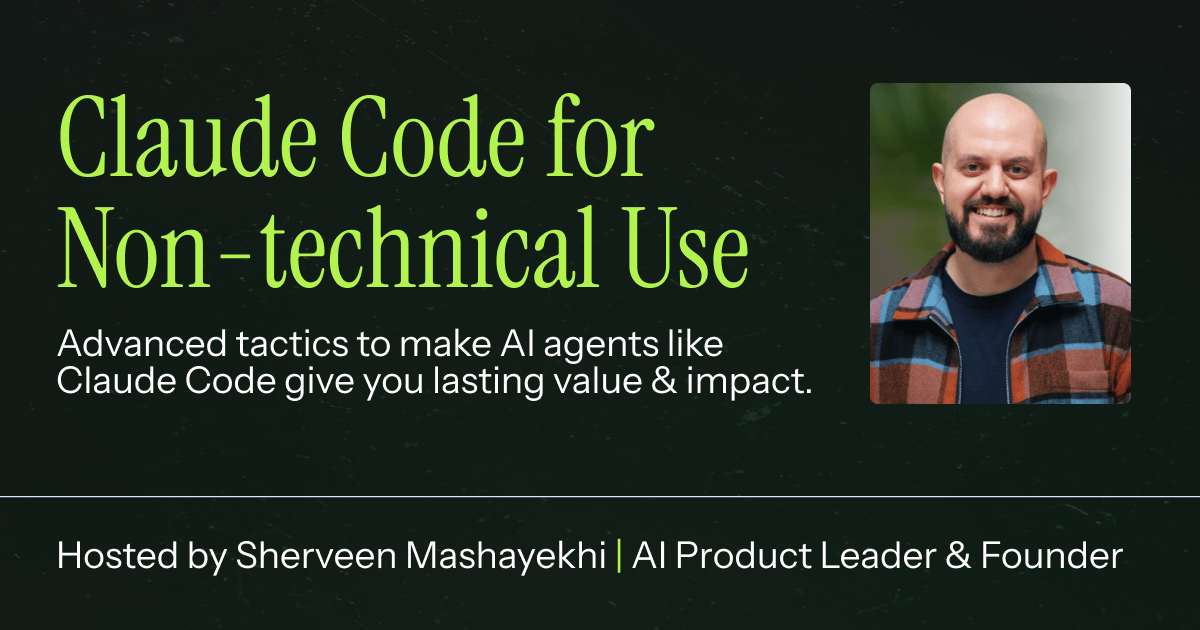
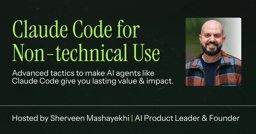
Advanced Tactics for Claude Code (Non-Code Use Cases)
This event has ended
About the event
Most non-technical people, team leaders, and business owners try Claude Code, get excited for a week, but are only left with one or two workflows that they keep coming back to. Let's talk about how to use Claude Code (or Codex CLI and similar agents) for uses that will *actually* add value and stick, whether to our professional or personal lives. How to use terminal-based AI agents as general copilots: Research, automated workflow, content, mini-scripts, product work... you name it, Claude Code can help with it. Tweaks, quirks, and guides on how to make them easy to use: Let's make these agents excellent at non-code use cases, and have them take advantage of living on your computer. Advanced use cases and methods to get 10x effect from agents: We'll talk about how agents really work and how to get them to do longer tasks, harder workflows, w/ stronger outputs. Even Anthropic has acknowledged it: they're surprised by how many people are using Claude Code for non-coding use cases. These command-line AI agents that live on your computer come with a whole host of advantages -- once you have them helping you as a copilot in your daily life, you'll never want to go back. Learn how to use tools like Claude Code and Codex CLI for general purpose productivity!
This event is part of a series
AI Advantage: Career & Product Strategy
Apr 22 - Jun 1, 2026
A masterclass series on leveraging cutting-edge AI tools to refine your product thinking, optimize your job search, and master advanced workflows for the modern tech landscape.
How to Build the Future: Product Thinking in the Age of AI
Apr 30 at 10:00 PM UTC
182 people went


This event has ended
292 people went
Bianca, Sonia, and 290 others
Hosted by
 Sep 14, 2026 at 4:00 PM40 registered

 Starts in 18 hours125 registered
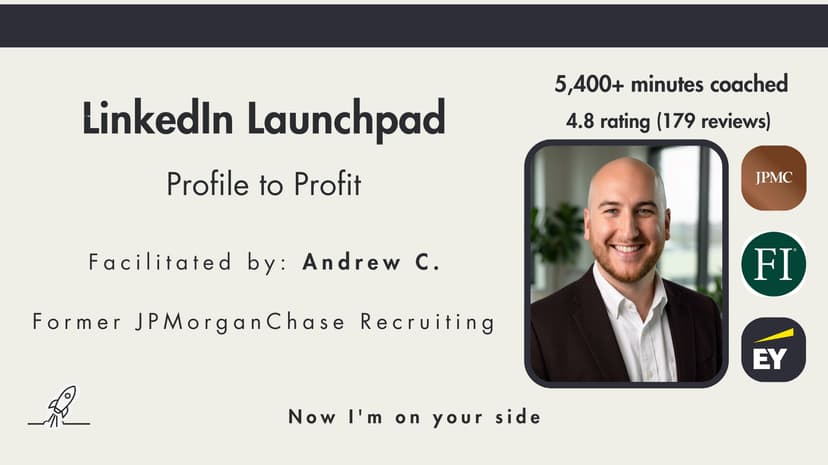
LinkedIn Launchpad: Profile to Profit
4.85
 Starts in 19 hours117 registered
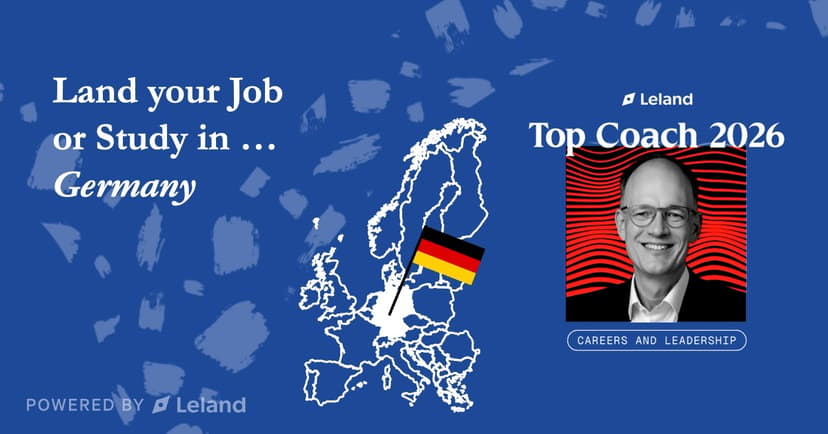
Land your Job or Study in ... Germany
4.95
Sep 14, 2026 at 4:00 PM40 registeredStarts in 18 hours125 registeredLinkedIn Launchpad: Profile to Profit
4.85
Starts in 19 hours117 registeredLand your Job or Study in ... Germany
4.95