Leland+ for Build with AI




Popular on Leland+
Free

Choose Your AI Fighter: ChatGPT vs. Claude vs. Gemini
Not all AI tools are created equal—and choosing the right one can dramatically change how you work. In this session, we’ll put today’s leading AI assistants head-to-head to help you decide which one deserves a spot in your workflow. We’ll break down the strengths, weaknesses, and best use cases for ChatGPT, Claude, and Gemini, comparing how each performs across real-world tasks like writing, research, analysis, brainstorming, and problem-solving. You’ll learn when to use each tool, how to get better outputs with smarter prompting, and how professionals choose the right AI for the job. Whether you’re new to AI or already using multiple tools, this workshop will help you cut through the hype, work more efficiently, and confidently choose your AI fighter.

Intro to AI Productivity: Everything is 1's and 0's
This is a basic introduction to AI that helps establish simple concepts.

Do’s and Don’ts of AI in Recruiting
AI is rapidly reshaping how companies source, screen, and hire talent—but using it effectively requires knowing where it helps and where it can hurt. In this session, you’ll learn the key do’s and don’ts of using AI in recruiting, including where it adds real efficiency and how recruiters and candidates are expected to use it responsibly. Whether you’re a recruiter, hiring manager, or candidate navigating AI-driven hiring processes, you’ll leave with clear guidelines to use AI thoughtfully, ethically, and credibly.


Build your MVP with Lovable and n8n
Are you ready to build your first website using Lovable and n8n? Join me as I guide you through the fundamentals of AI, prompt engineering, and integrating AI tools seamlessly into your projects. In this session we'll create a design for our website using free AI Resources, a n8n pipeline to save user's contacts and the actual website with Lovable. With a background in helping tech teams enhance productivity and coaching over 100 individuals to leverage AI tools effectively, I am excited to share my knowledge and help you optimize your processes. Whether you're a beginner or looking to refine your skills, this session will provide you with the insights and techniques needed to create real AI workflows from day one.

AI Automation Tools 101: Zapier, Make, and n8n for Beginners
Automation tools are making it possible for anyone to connect apps, streamline workflows, and use AI to handle repetitive tasks. In this beginner-friendly workshop, you’ll get a practical introduction to three of the most widely used automation platforms: Zapier, Make, and n8n. In this workshop, you’ll learn how these tools work, when to use each one, and how they enable AI-powered workflows that connect your everyday apps. The session will include quick demos of real automations so you can see how triggers, actions, and AI steps come together to automate tasks like notifications, summaries, and data updates. This workshop is designed for beginners—no coding or prior automation experience required. By the end, you’ll understand the basic landscape of AI automation tools and how to start building simple workflows to save time in your work.

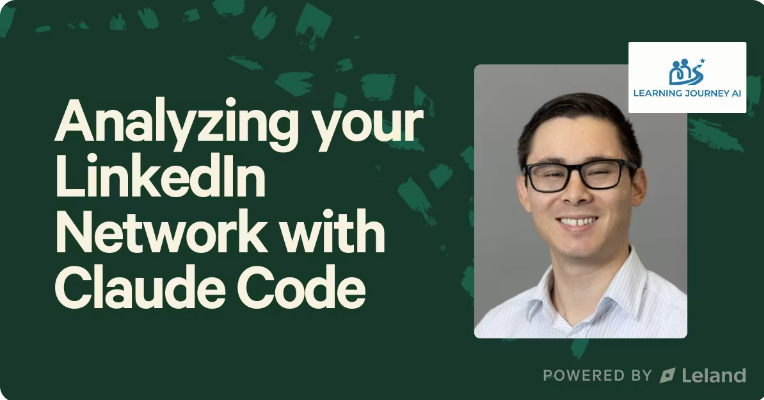
Analyzing your LinkedIn Network with Claude Code
Your LinkedIn network holds more data—and opportunity—than you think. The question is: are you using it strategically? In this session, we’ll explore how to leverage Claude Code to analyze your connections, uncover patterns, and identify hidden pathways to internships, jobs, and industry insights. You’ll learn how to map influence, spot high-value clusters, and turn a passive network into an active career asset. If you’re ready to combine AI tools with intentional networking to unlock smarter outreach and real results, this is where you start.
![Home for Ambition #4 — Weekly Live Show [4/8/2026] (Recording)](https://customer-14xsjmjbqk93tdwp.cloudflarestream.com/e85ab393fa4b81128b20cc9e7549a1d6/thumbnails/thumbnail.jpg)
Home for Ambition #4 — Weekly Live Show [4/8/2026] (Recording)
Home for Ambition is a weekly live show, by Leland, for people trying to stay ahead as work, learning, and opportunity keep changing. Each episode tackles a handful of timely, high-signal topics across AI, careers, education, and the future of work. We expect thoughtful debate, unique perspectives, and practical takeaways you can actually use. It is not a typical interview show or a generic news recap. It is a live roundtable built to help ambitious people make sense of what is changing, understand what matters, and leave with a sharper point of view on how to navigate what comes next.

Free

PDF Skill
"/pdf" will create, extract text from, merge, split, and fill PDF documents and forms programmatically. To install, run this in your terminal after downloading the file: unzip ~/Downloads/pdf-skill.zip -d ~/.agents/skills/
Free

docx Skill
This skill teaches AI how to create, read, edit, and manipulate Word documents (.docx files) with support for formatting, tables, comments, and tracked changes. To install, run this in your terminal after downloading the file: unzip ~/Downloads/docx-skill.zip -d ~/.agents/skills/
Free

Financial Ops Expert Skill
"/financial-operations-expert" will provide expertise on financial operations, workflows, analysis, and planning for business finance tasks. To install, run this in your terminal after downloading the file: unzip ~/Downloads/financial-operations-expert-skill.zip -d ~/.agents/skills/
Free
How to Resume a Session in Claude Code
You closed your terminal, restarted your laptop, or just walked away for a few hours. Now you're back and your whole conversation with Claude Code is gone. Or is it? In this quick video, I'll show you how to pick up exactly where you left off using Claude Code's "claude --continue" command. It takes about five seconds once you know it's there.
Free

Skills for Campaign Feedback & Improvement
The "Skills for Campaign Feedback & Improvement" bundle is the final step in an operating stack which includes "Skills for Finding the Right Clients" and "Skills for Client Outreach" bundles. This bundle runs after campaigns are in motion, diagnoses what's breaking in the funnel, extracts patterns from what's working, and closes the loop back into the foundation and outreach bundles. To install, run this in your terminal after downloading the file: unzip ~/Downloads/performance-bundle.zip -d ~/.claude/skills/
![Home for Ambition #3 — Weekly Live Show [4/1/2026] (Recording)](https://customer-14xsjmjbqk93tdwp.cloudflarestream.com/7776ee2f7ee8b5c2761293a19ea798d6/thumbnails/thumbnail.jpg)
Home for Ambition #3 — Weekly Live Show [4/1/2026] (Recording)
Home for Ambition is a weekly live show, by Leland, for people trying to stay ahead as work, learning, and opportunity keep changing. Each episode tackles a handful of timely, high-signal topics across AI, careers, education, and the future of work. We expect thoughtful debate, unique perspectives, and practical takeaways you can actually use. It is not a typical interview show or a generic news recap. It is a live roundtable built to help ambitious people make sense of what is changing, understand what matters, and leave with a sharper point of view on how to navigate what comes next.
Free

Skills for Client Outreach
The "Skills for Client Outreach" bundle works together with the "Skills for Finding the Right Clients" and "Skills for Campaign Feedback & Improvement" bundles as one operating stack. It covers client outreach and daily operations. It covers the full loop of who to contact (intent signals, lead prioritization), why to contact them now (trigger mapping), and what to say (sequence architecture, copy frameworks, personalization). Most people will live in this bundle day-to-day. To install, run this in your terminal after downloading the file: unzip ~/Downloads/outreach-bundle.zip -d ~/.claude/skills/

A Skill for Sharing Skills
"/share-skills" will package installed agent skills into shareable zip or .md files, clean tool-specific and user-specific references, and provide recipients with ready-to-paste install commands. To install, run this in your terminal after downloading the file: unzip ~/Downloads/share-skills-skill.zip -d ~/.claude/skills/share-skills/
Free
OpenClaw for Beginners: Build AI Agents from Scratch (Free)
A complete beginner-friendly course on building and running AI agents using OpenClaw Architecture — 100% free to set up. In this course, you'll learn how to: • Install and configure OpenClaw on a DigitalOcean droplet (cloud server) • Connect your preferred language model (OpenAI, Claude, Gemini, Grok, Qwen, and more) • Understand the core anatomy of an AI agent: soul, identity, skills, memory, heartbeat, and cron jobs • Add Perplexity-powered search capability to your agent • Troubleshoot terminal errors in real time using a "fail fast" methodology • Manage costs and token usage to keep your monthly spend under $50 • Think like a builder: define your success outcome before writing a single line of config This course is built for non-technical beginners and power users alike. You'll watch a live, detailed setup — including real errors and how to fix them — so you know exactly what to expect when building your own agent infrastructure. By the end, you'll have a self-hosted AI agent running autonomously in the background, capable of handling research, sales outreach, content, and more — amplified across everything you do.

Deep-Dive Case Study: Use AI to Plan Your Wedding & See Its Full Potential
Planning a wedding—or any complex project—can feel overwhelming, but AI has the potential to streamline every step and unlock new efficiencies. This session is for anyone curious about how AI can be applied to real-world planning and project management. You’ll see how to design workflows, automate tasks, and explore the full potential of AI to save time and reduce manual effort.

Free
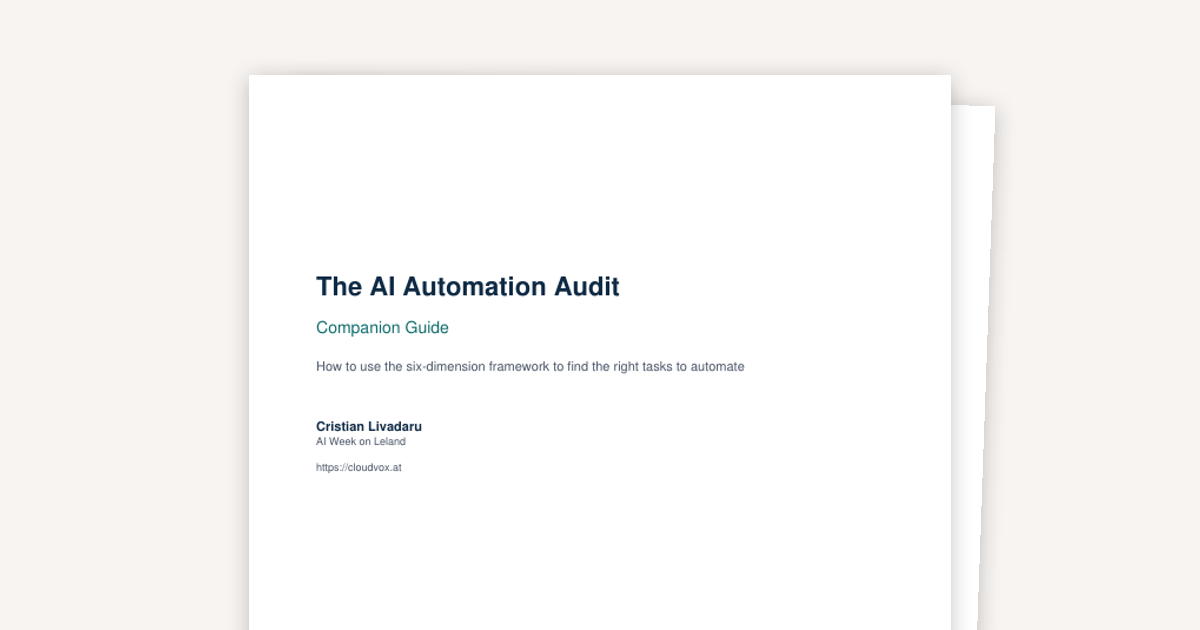
AI Audit Worksheet and Guide
Your AI Automation Audit Kit - the six-dimension framework from the "How to Audit Your Own Job for Automation Opportunities" session, ready to use. Includes a one-page scoring worksheet (print it, score a task in 10 minutes) and a companion guide that walks you through each dimension with traps to avoid, scoring anchors, and advice for reading your results. Start with one task. The audit takes 10 minutes. The audit is the part that decides whether that day is well spent.
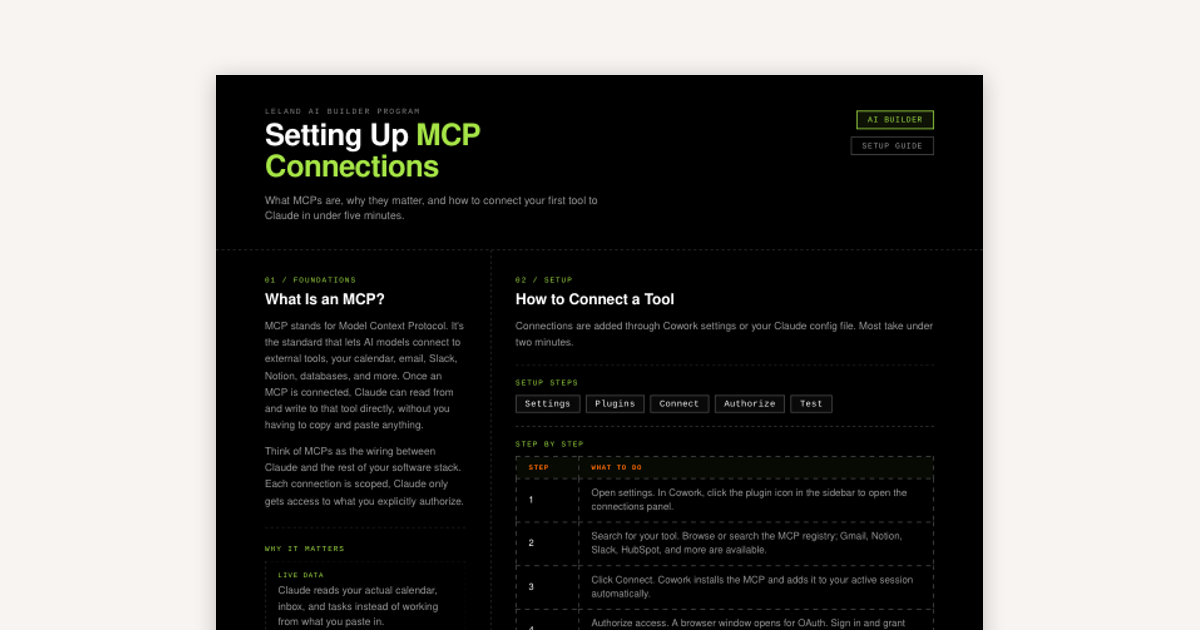
How to Set Up MCP Connections
MCP stands for Model Context Protocol. It's the standard that lets AI models connect to external tools, your calendar, email, Slack, Notion, databases, and more.

Iterating for AI Workflows
Why the best AI workflows aren't built in one shot and how planning, small tests, and careful refinement produce things that actually work.