Leland+ for Build with AI





Popular on Leland+
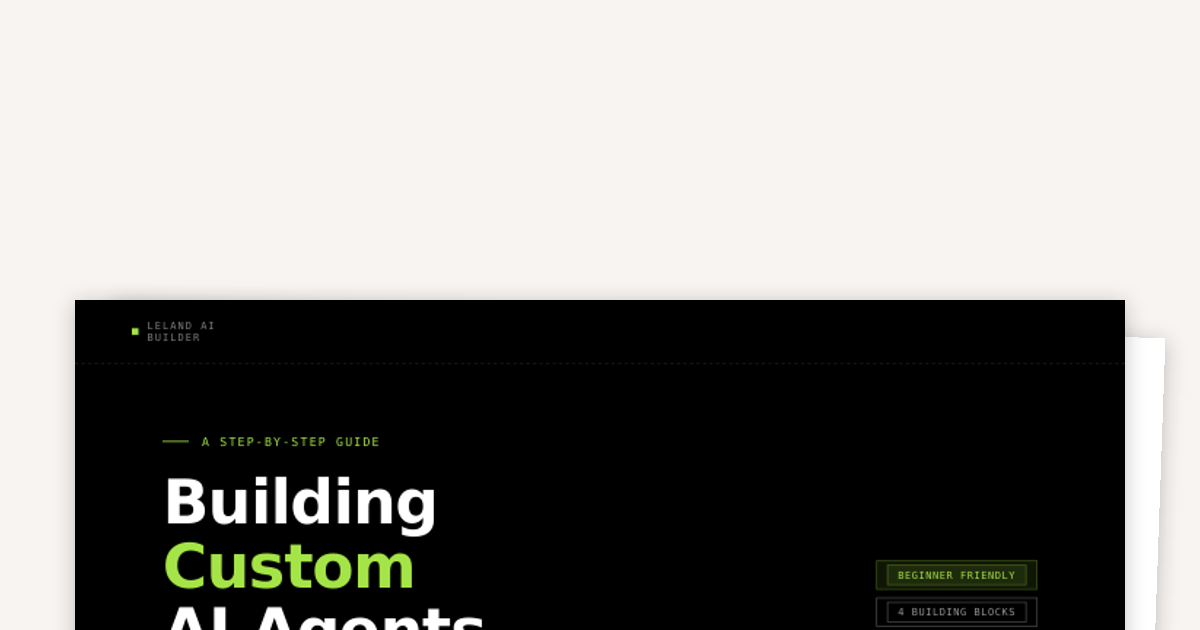
Building Custom AI Agents
How to design, instruct, and deploy agents that are tailored to the exact work you need done, from role definition through to real tools and skills.
Free
Powerpoint Skill
"/pptx" will create, edit, and analyze PowerPoint presentations (.pptx files) including layouts, content, and speaker notes. To install, run this in your terminal after downloading the file: unzip ~/Downloads/pptx-skill.zip -d ~/.agents/skills/

Taking Control of AI Conversations
After this session, you will know how to structure your prompts to get outputs that actually match your intent, how to identify when an AI response needs to be pushed further, and how to build a repeatable workflow that saves time without sacrificing quality. These are the patterns that separate people who use AI effectively from those who get generic results and give up.
Learn Skill
"/learn" will run a session-retrospective audit that tells you what went well, what went wrong, and propose documentation updates. It gives direct feedback on working with the AI agent more efficiently. To install, run this in your terminal after downloading the file: unzip ~/Downloads/learn-skill.zip -d ~/.claude/skills/learn/
Free
Web Design Guidelines Skill
"/web-design-guidelines" will review UI code against the Vercel Web Interface Guidelines for accessibility, design best practices, and UX compliance. To install, run this in your terminal after downloading the file: unzip ~/Downloads/web-design-guidelines-skill.zip -d ~/.claude/skills/web-design-guidelines/
Free

Excel Skill
"/xlsx" will create and edit spreadsheets with support for formulas, formatting, data analysis, and visualization. To install, run this in your terminal after downloading the file: unzip ~/Downloads/xlsx-skill.zip -d ~/.agents/skills/

Three Principles for AI Coding
These three principles form the foundation of effective AI-assisted development. Master them and you'll ship better code faster.
Claude Chat vs. Cowork vs Code
There are a lot of options for how to approach tasks using AI. Learn which interface to reach for why one might be more suited to specific tasks than the others.

Notion Task Manager Skill
"/notion-task-manager" parses brain dumps, bullet lists, meeting notes, or voice transcripts into structured Notion tasks with inferred title, project, owner, priority, and deadline. It then creates them in the right database and confirms what was added. To install, run this in your terminal after downloading the file: unzip ~/Downloads/notion-task-manager-skill.zip -d ~/.claude/skills/notion-task-manager/
LinkedIn Post Creator Skill
"/linkedin-writer" generates two viral LinkedIn posts in different proven formats (Hot Take, Lessons Learned, Story, Blueprint, etc.), reads the user's voice guide and FOUNDER_CONTEXT if they exist, applies voice calibration and a banned-words check, and always shows drafts before posting. You can create a voice guide with your AI agent by copying and pasting your LinkedIn posts content into your conversation so it can learn your style and wording. Similarly you can give it context into your company and role to create FOUNDER_CONTEXT. To install, run this in your terminal after downloading the file: unzip ~/Downloads/linkedin-writer-skill.zip -d ~/.agents/skills/linkedin-writer/

Intro to IDEs
Learn what an IDE is, why they matter, and how to get started using one.
Free

Outreach Email Frameworks Skill
"/copy-frameworks" writes outreach emails using campaign-tested frameworks (SPARK, PAS, AIDA, Nudge) with two variants per request. To install, run this in your terminal after downloading the file: unzip ~/Downloads/copy-frameworks-skill.zip -d ~/.claude/skills/

Build a Quality Rubric for Your AI Workflow
A quality rubric is a set of explicit, measurable criteria that define what a good output looks like for a specific task. It answers the question: "How do I know when this is good enough to use?"

Summarize Slack Skill
"/slack-digest" summarizes recent Slack activity by searching for action items, decisions, and key updates across project channels and collaborator messages. It outputs a signal-only digest organized into 'Need Your Attention', 'Key Decisions', and 'FYI'. To install, run this in your terminal after downloading the file: unzip ~/Downloads/slack-digest-skill.zip -d ~/.claude/skills/slack-digest/
Research Brief Skill
"/research-brief" searches the web and synthesizes current information on any topic, person, company, or tool into a tight 300-500 word brief with essentials, relevance, key facts and numbers, what to watch, and sources. To install, run this in your terminal after downloading the file: unzip ~/Downloads/research-brief-skill.zip -d ~/.claude/skills/research-brief/
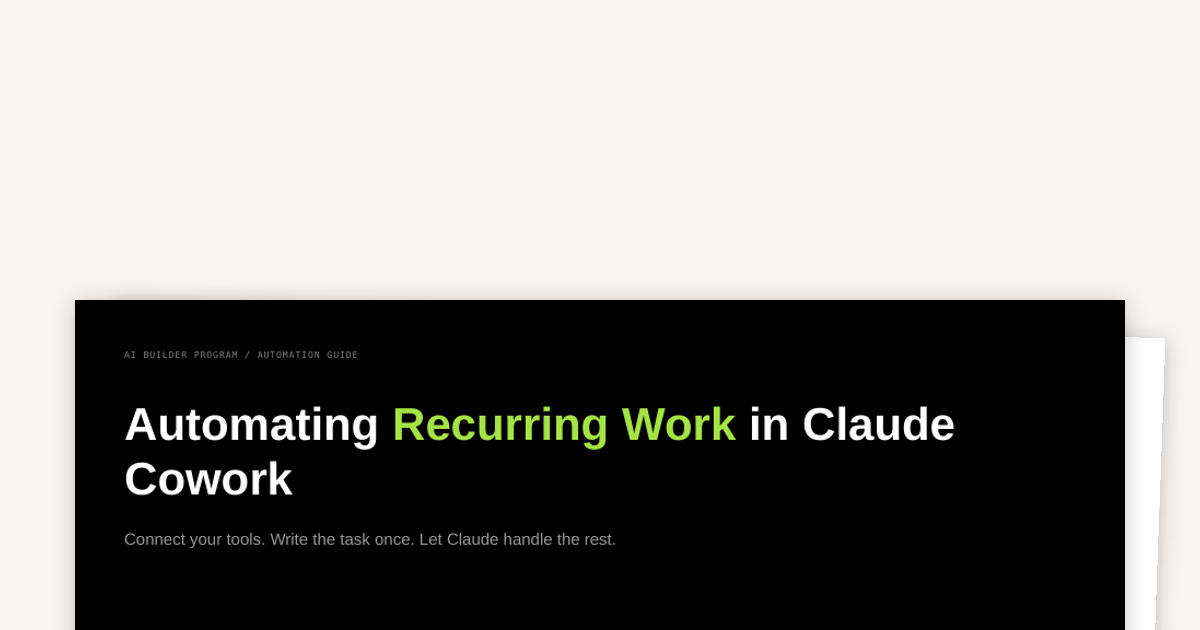
How to Automate Recurring Work in Cowork
Claude Cowork is an Anthropic tool available in the Claude Desktop app that can access your full computer and help you to automate your tasks.
Free

A Skill for Creating Skills
"/skill-creator" is Anthropic's official skill that creates new skills from scratch, modifies and improves existing skills, runs evals to test skill performance, and benchmarks skills with variance analysis and description optimization. To install, run this in your terminal after downloading the file: unzip ~/Downloads/skill-creator-skill.zip -d ~/.agents/skills/skill-creator/
Free

Meeting Analyzer Skill
"/meeting-analyzer" extracts action items, decisions, open questions, and missed opportunities from a meeting transcript or Granola notes. To install, run this in your terminal after downloading the file: unzip ~/Downloads/meeting-analyzer-skill.zip -d ~/.claude/skills/

Weekly Recap Skill
"/weekly-recap" pulls completed Notion tasks, key Slack decisions, and resolved Gmail threads from the past week and formats them into a manager-ready Friday summary covering what shipped, what's in progress, key decisions, blockers, and next week's priorities. To install, run this in your terminal after downloading the file: unzip ~/Downloads/weekly-recap-skill.zip -d ~/.claude/skills/weekly-recap/

Vibe Coding Prompts That Work
Anyone who has vibe-coded knows that it takes practice and iteration to learn what does and doesn't work effectively. Here we break down some principles to help flatten out the learning-curve, improve your outputs, and save you tokens.