Leland+ for Build with AI





Popular on Leland+
Free
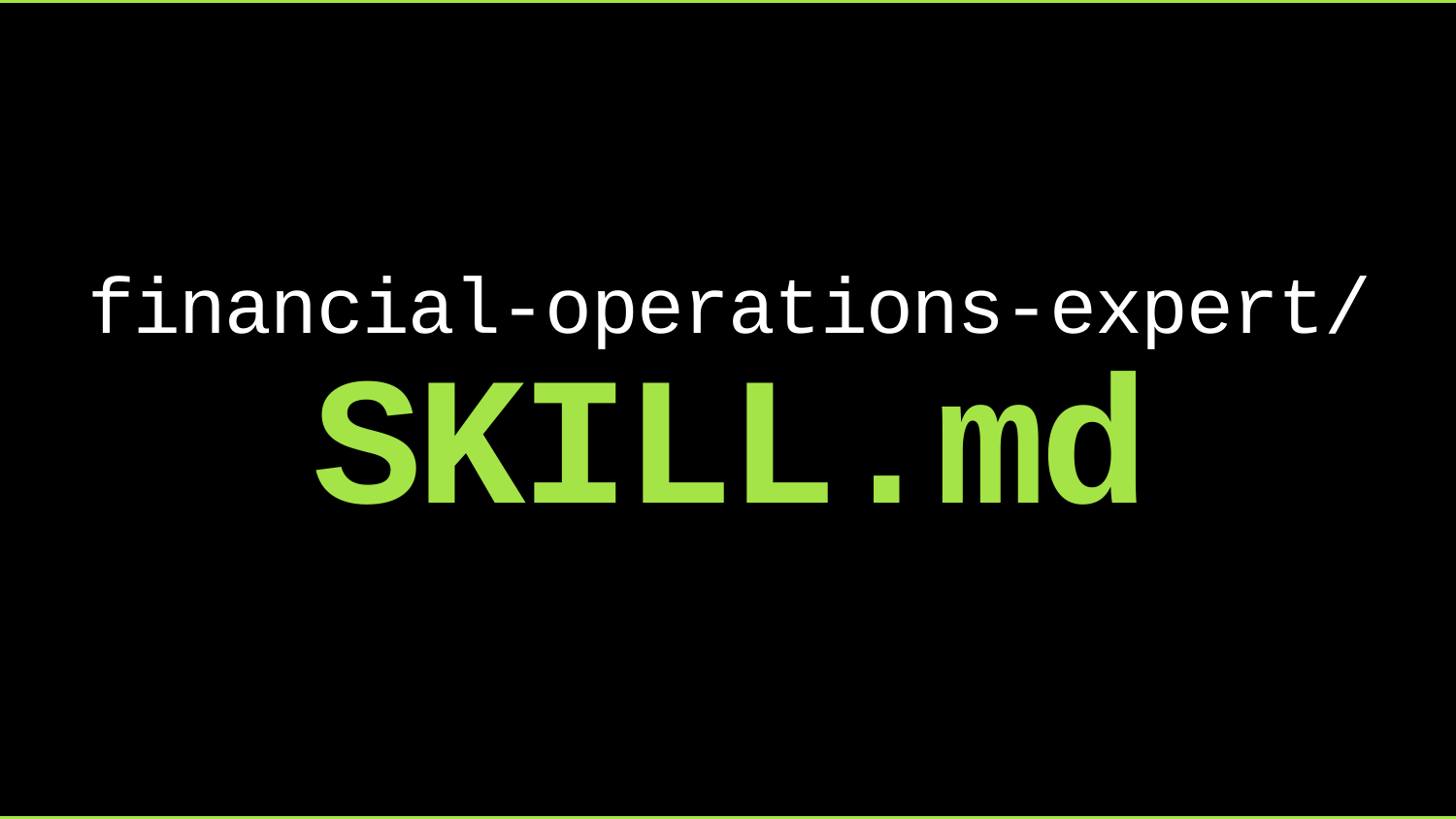
Financial Ops Expert Skill
"/financial-operations-expert" will provide expertise on financial operations, workflows, analysis, and planning for business finance tasks. To install, run this in your terminal after downloading the file: unzip ~/Downloads/financial-operations-expert-skill.zip -d ~/.agents/skills/
Free
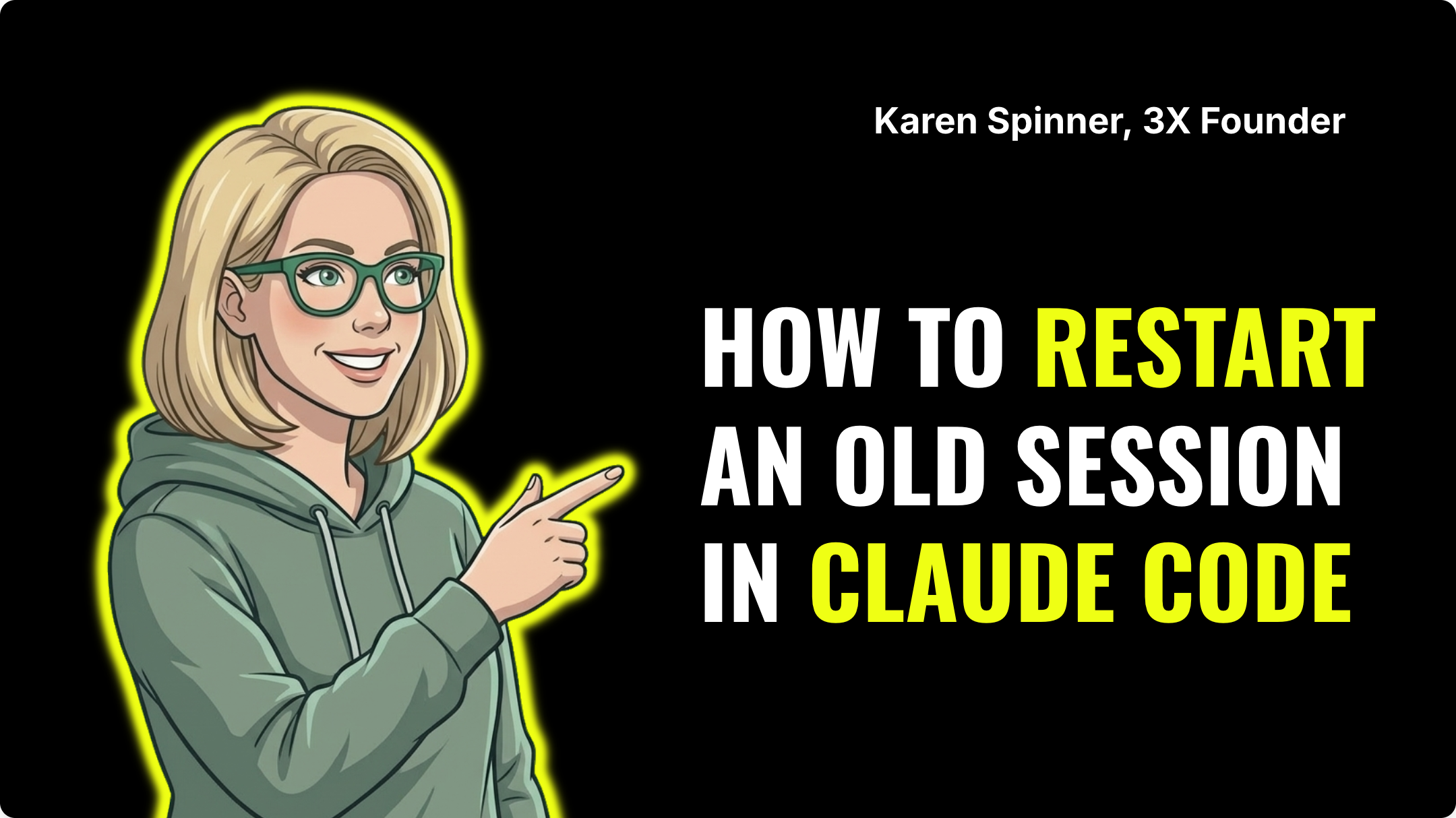
How to Resume a Session in Claude Code
You closed your terminal, restarted your laptop, or just walked away for a few hours. Now you're back and your whole conversation with Claude Code is gone. Or is it? In this quick video, I'll show you how to pick up exactly where you left off using Claude Code's "claude --continue" command. It takes about five seconds once you know it's there.
Free
Skills for Campaign Feedback & Improvement
The "Skills for Campaign Feedback & Improvement" bundle is the final step in an operating stack which includes "Skills for Finding the Right Clients" and "Skills for Client Outreach" bundles. This bundle runs after campaigns are in motion, diagnoses what's breaking in the funnel, extracts patterns from what's working, and closes the loop back into the foundation and outreach bundles. To install, run this in your terminal after downloading the file: unzip ~/Downloads/performance-bundle.zip -d ~/.claude/skills/
![Home for Ambition #3 — Weekly Live Show [4/1/2026] (Recording)](https://customer-14xsjmjbqk93tdwp.cloudflarestream.com/7776ee2f7ee8b5c2761293a19ea798d6/thumbnails/thumbnail.jpg)
Home for Ambition #3 — Weekly Live Show [4/1/2026] (Recording)
Home for Ambition is a weekly live show, by Leland, for people trying to stay ahead as work, learning, and opportunity keep changing. Each episode tackles a handful of timely, high-signal topics across AI, careers, education, and the future of work. We expect thoughtful debate, unique perspectives, and practical takeaways you can actually use. It is not a typical interview show or a generic news recap. It is a live roundtable built to help ambitious people make sense of what is changing, understand what matters, and leave with a sharper point of view on how to navigate what comes next.

Free

Skills for Client Outreach
The "Skills for Client Outreach" bundle works together with the "Skills for Finding the Right Clients" and "Skills for Campaign Feedback & Improvement" bundles as one operating stack. It covers client outreach and daily operations. It covers the full loop of who to contact (intent signals, lead prioritization), why to contact them now (trigger mapping), and what to say (sequence architecture, copy frameworks, personalization). Most people will live in this bundle day-to-day. To install, run this in your terminal after downloading the file: unzip ~/Downloads/outreach-bundle.zip -d ~/.claude/skills/

A Skill for Sharing Skills
"/share-skills" will package installed agent skills into shareable zip or .md files, clean tool-specific and user-specific references, and provide recipients with ready-to-paste install commands. To install, run this in your terminal after downloading the file: unzip ~/Downloads/share-skills-skill.zip -d ~/.claude/skills/share-skills/
Free
OpenClaw for Beginners: Build AI Agents from Scratch (Free)
A complete beginner-friendly course on building and running AI agents using OpenClaw Architecture — 100% free to set up. In this course, you'll learn how to: • Install and configure OpenClaw on a DigitalOcean droplet (cloud server) • Connect your preferred language model (OpenAI, Claude, Gemini, Grok, Qwen, and more) • Understand the core anatomy of an AI agent: soul, identity, skills, memory, heartbeat, and cron jobs • Add Perplexity-powered search capability to your agent • Troubleshoot terminal errors in real time using a "fail fast" methodology • Manage costs and token usage to keep your monthly spend under $50 • Think like a builder: define your success outcome before writing a single line of config This course is built for non-technical beginners and power users alike. You'll watch a live, detailed setup — including real errors and how to fix them — so you know exactly what to expect when building your own agent infrastructure. By the end, you'll have a self-hosted AI agent running autonomously in the background, capable of handling research, sales outreach, content, and more — amplified across everything you do.

Deep-Dive Case Study: Use AI to Plan Your Wedding & See Its Full Potential
Planning a wedding—or any complex project—can feel overwhelming, but AI has the potential to streamline every step and unlock new efficiencies. This session is for anyone curious about how AI can be applied to real-world planning and project management. You’ll see how to design workflows, automate tasks, and explore the full potential of AI to save time and reduce manual effort.

Free
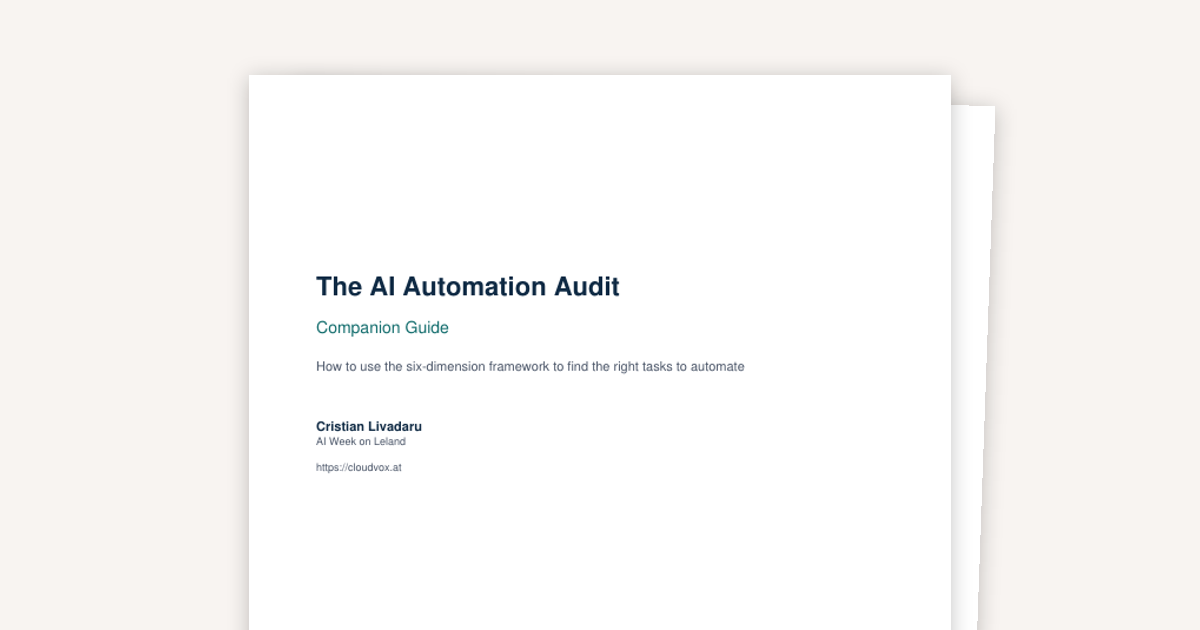
AI Audit Worksheet and Guide
Your AI Automation Audit Kit - the six-dimension framework from the "How to Audit Your Own Job for Automation Opportunities" session, ready to use. Includes a one-page scoring worksheet (print it, score a task in 10 minutes) and a companion guide that walks you through each dimension with traps to avoid, scoring anchors, and advice for reading your results. Start with one task. The audit takes 10 minutes. The audit is the part that decides whether that day is well spent.
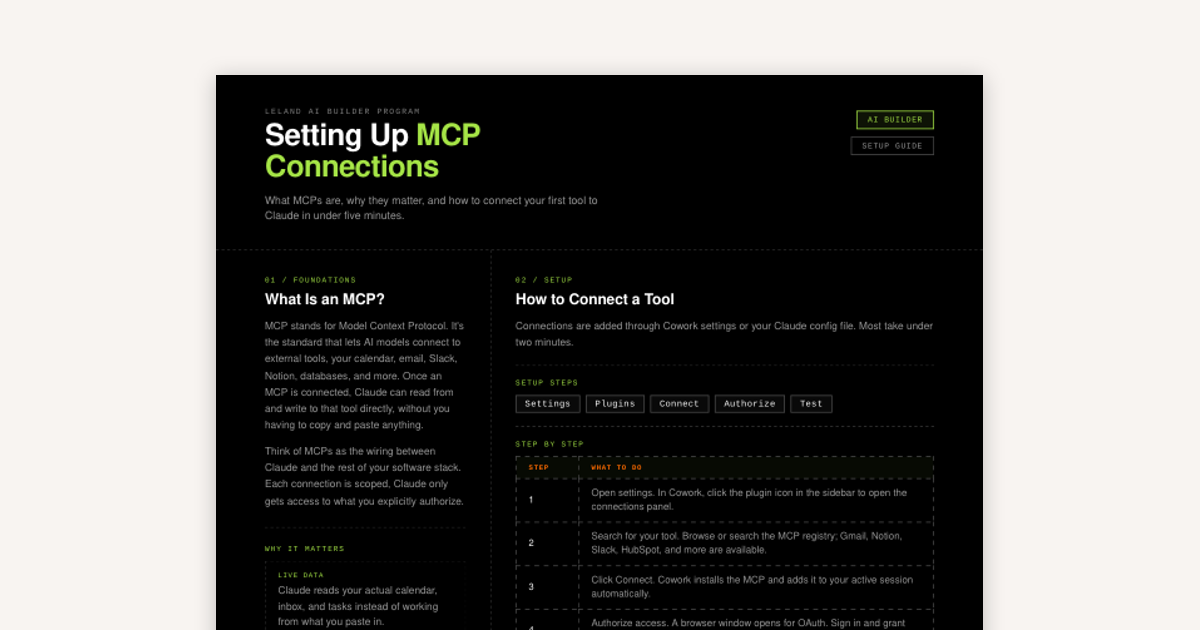
How to Set Up MCP Connections
MCP stands for Model Context Protocol. It's the standard that lets AI models connect to external tools, your calendar, email, Slack, Notion, databases, and more.
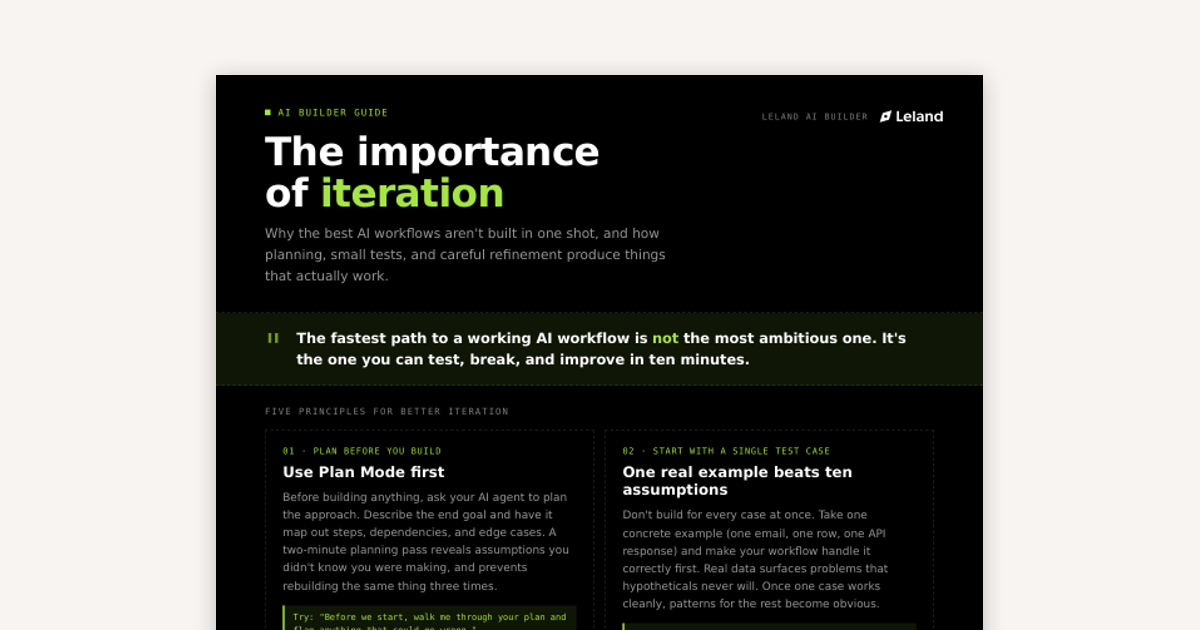
Iterating for AI Workflows
Why the best AI workflows aren't built in one shot and how planning, small tests, and careful refinement produce things that actually work.

Principles of Good Context Engineering
Context engineering is the discipline of designing what information an AI model sees, when it sees it, how it's structured, and what it can touch.
n8n Job Finder Workflow
This is an n8n JSON file that can be downloaded and uploaded into n8n via the 'import from file..' option found in the top right corner of a blank n8n workflow. This workflow is meant to be customized by you, but is set to run weekly, search for jobs in your desired industry/location, manages a Google Sheet with the data collected, and sends you an email summary of what's new. For more information on what n8n is and how to use it, check out "An Introduction to n8n" found on Leland+ https://www.joinleland.com/content/item/urn:contentEntry:69df39011ac7ef3b77c92c97
Free

Systematic Debugging Skill
"/systematic-debugging" enforces root-cause investigation before any fix is proposed. It works through four phases (investigate, isolate, fix, verify) to prevent symptom patches and repeated failures. To install, run this in your terminal after downloading the file: unzip ~/Downloads/systematic-debugging-skill.zip -d ~/.claude/skills/systematic-debugging/
Customize AI Agent Skills for Your Role
In this session, you will learn how to identify which AI agent capabilities are actually relevant to your specific role and how to configure those skills to match real workflows in your field. We will cover how to evaluate pre-built agent tools against your job's actual requirements, how to write or modify skill prompts that reflect your domain's logic, and how to test whether an agent is performing the task or just appearing to.

Slash Commands for AI Applications and Terminal
Learn what slash commands are, how they work, and what commands you'll use most when working with agents like Claude.
Free
Frontend Design Skill
"/frontend-design" creates distinctive, production-grade frontend interfaces with bold aesthetic direction, intentional typography, animation, and spatial composition. It generates working HTML/CSS/JS or React code that avoids generic AI aesthetics. To install, run this in your terminal after downloading the file: unzip ~/Downloads/frontend-design-skill.zip -d ~/.claude/skills/frontend-design/
Building an AI Knowledge Wiki
Structure your context files so your AI agent always has the right information, retrieves it without guessing, and gives you specific answers instead of generic ones.
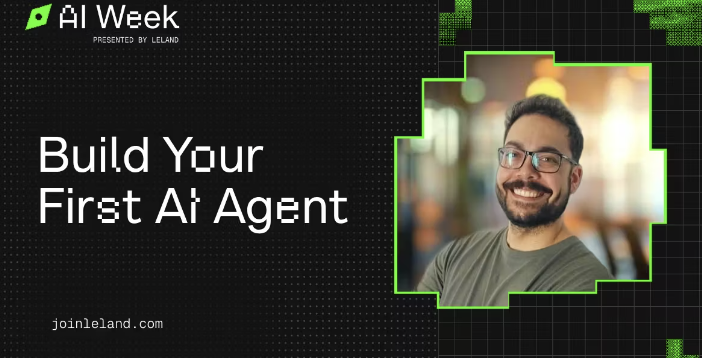
Build Your First AI Agent
AI agents are quickly becoming one of the most practical ways to automate workflows, but many people aren’t sure how to actually build one from scratch. This session is for builders and professionals who want hands-on guidance in creating their first AI agent. You’ll learn how to define a clear use case, connect tools and data sources, and design workflows that reliably execute tasks with minimal oversight.
Free
Marketing Psychology Skill
"/marketing-psychology" applies psychological principles, mental models, and behavioral science to marketing. This skill covers persuasion, pricing psychology, buyer behavior, and growth frameworks with specific marketing applications for each. To install, run this in your terminal after downloading the file: unzip ~/Downloads/marketing-psychology-skill.zip -d ~/.claude/skills/marketing-psychology/