Leland+ for Build with AI





Popular on Leland+
LinkedIn Post Creator Skill
"/linkedin-writer" generates two viral LinkedIn posts in different proven formats (Hot Take, Lessons Learned, Story, Blueprint, etc.), reads the user's voice guide and FOUNDER_CONTEXT if they exist, applies voice calibration and a banned-words check, and always shows drafts before posting. You can create a voice guide with your AI agent by copying and pasting your LinkedIn posts content into your conversation so it can learn your style and wording. Similarly you can give it context into your company and role to create FOUNDER_CONTEXT. To install, run this in your terminal after downloading the file: unzip ~/Downloads/linkedin-writer-skill.zip -d ~/.agents/skills/linkedin-writer/

Intro to IDEs
Learn what an IDE is, why they matter, and how to get started using one.
Free
Outreach Email Frameworks Skill
"/copy-frameworks" writes outreach emails using campaign-tested frameworks (SPARK, PAS, AIDA, Nudge) with two variants per request. To install, run this in your terminal after downloading the file: unzip ~/Downloads/copy-frameworks-skill.zip -d ~/.claude/skills/
Build a Quality Rubric for Your AI Workflow
A quality rubric is a set of explicit, measurable criteria that define what a good output looks like for a specific task. It answers the question: "How do I know when this is good enough to use?"
Summarize Slack Skill
"/slack-digest" summarizes recent Slack activity by searching for action items, decisions, and key updates across project channels and collaborator messages. It outputs a signal-only digest organized into 'Need Your Attention', 'Key Decisions', and 'FYI'. To install, run this in your terminal after downloading the file: unzip ~/Downloads/slack-digest-skill.zip -d ~/.claude/skills/slack-digest/
Research Brief Skill
"/research-brief" searches the web and synthesizes current information on any topic, person, company, or tool into a tight 300-500 word brief with essentials, relevance, key facts and numbers, what to watch, and sources. To install, run this in your terminal after downloading the file: unzip ~/Downloads/research-brief-skill.zip -d ~/.claude/skills/research-brief/
How to Automate Recurring Work in Cowork
Claude Cowork is an Anthropic tool available in the Claude Desktop app that can access your full computer and help you to automate your tasks.
Free
A Skill for Creating Skills
"/skill-creator" is Anthropic's official skill that creates new skills from scratch, modifies and improves existing skills, runs evals to test skill performance, and benchmarks skills with variance analysis and description optimization. To install, run this in your terminal after downloading the file: unzip ~/Downloads/skill-creator-skill.zip -d ~/.agents/skills/skill-creator/
Free
Meeting Analyzer Skill
"/meeting-analyzer" extracts action items, decisions, open questions, and missed opportunities from a meeting transcript or Granola notes. To install, run this in your terminal after downloading the file: unzip ~/Downloads/meeting-analyzer-skill.zip -d ~/.claude/skills/
Weekly Recap Skill
"/weekly-recap" pulls completed Notion tasks, key Slack decisions, and resolved Gmail threads from the past week and formats them into a manager-ready Friday summary covering what shipped, what's in progress, key decisions, blockers, and next week's priorities. To install, run this in your terminal after downloading the file: unzip ~/Downloads/weekly-recap-skill.zip -d ~/.claude/skills/weekly-recap/
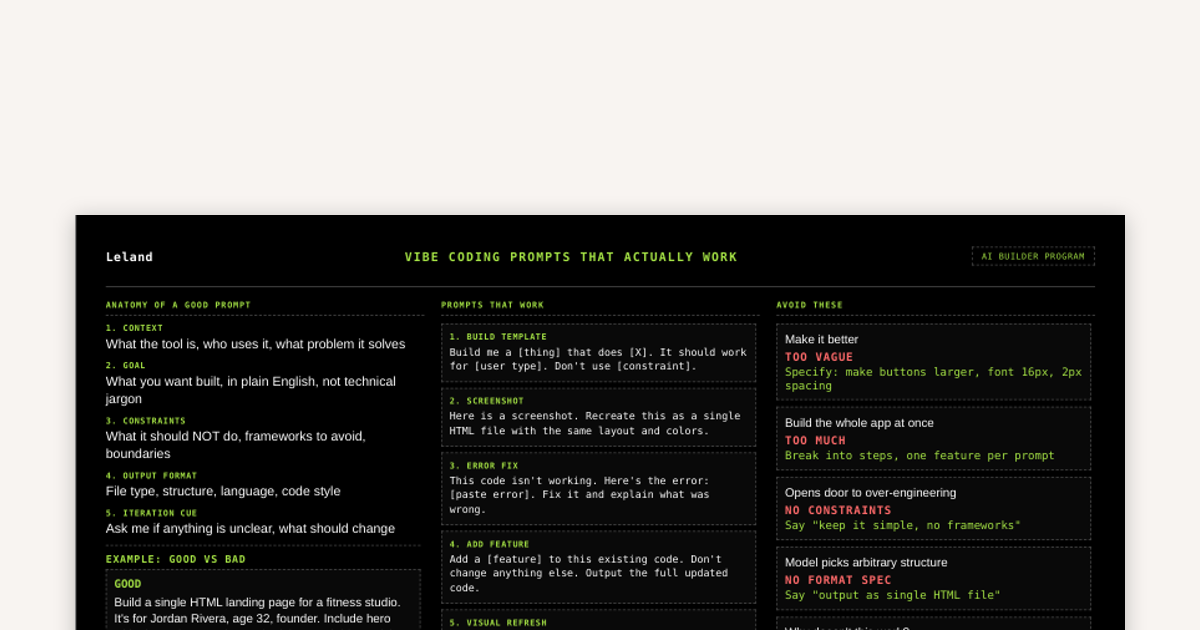
Vibe Coding Prompts That Work
Anyone who has vibe-coded knows that it takes practice and iteration to learn what does and doesn't work effectively. Here we break down some principles to help flatten out the learning-curve, improve your outputs, and save you tokens.
![Home for Ambition #5 — Weekly Live Show [4/17/2026] (Recording)](https://customer-14xsjmjbqk93tdwp.cloudflarestream.com/9689768c405bb70e29d368daf33a93d6/thumbnails/thumbnail.jpg)
Home for Ambition #5 — Weekly Live Show [4/17/2026] (Recording)
Home for Ambition is a weekly live show, by Leland, for people trying to stay ahead as work, learning, and opportunity keep changing. Each episode tackles a handful of timely, high-signal topics across AI, careers, education, and the future of work. We expect thoughtful debate, unique perspectives, and practical takeaways you can actually use. It is not a typical interview show or a generic news recap. It is a live roundtable built to help ambitious people make sense of what is changing, understand what matters, and leave with a sharper point of view on how to navigate what comes next.

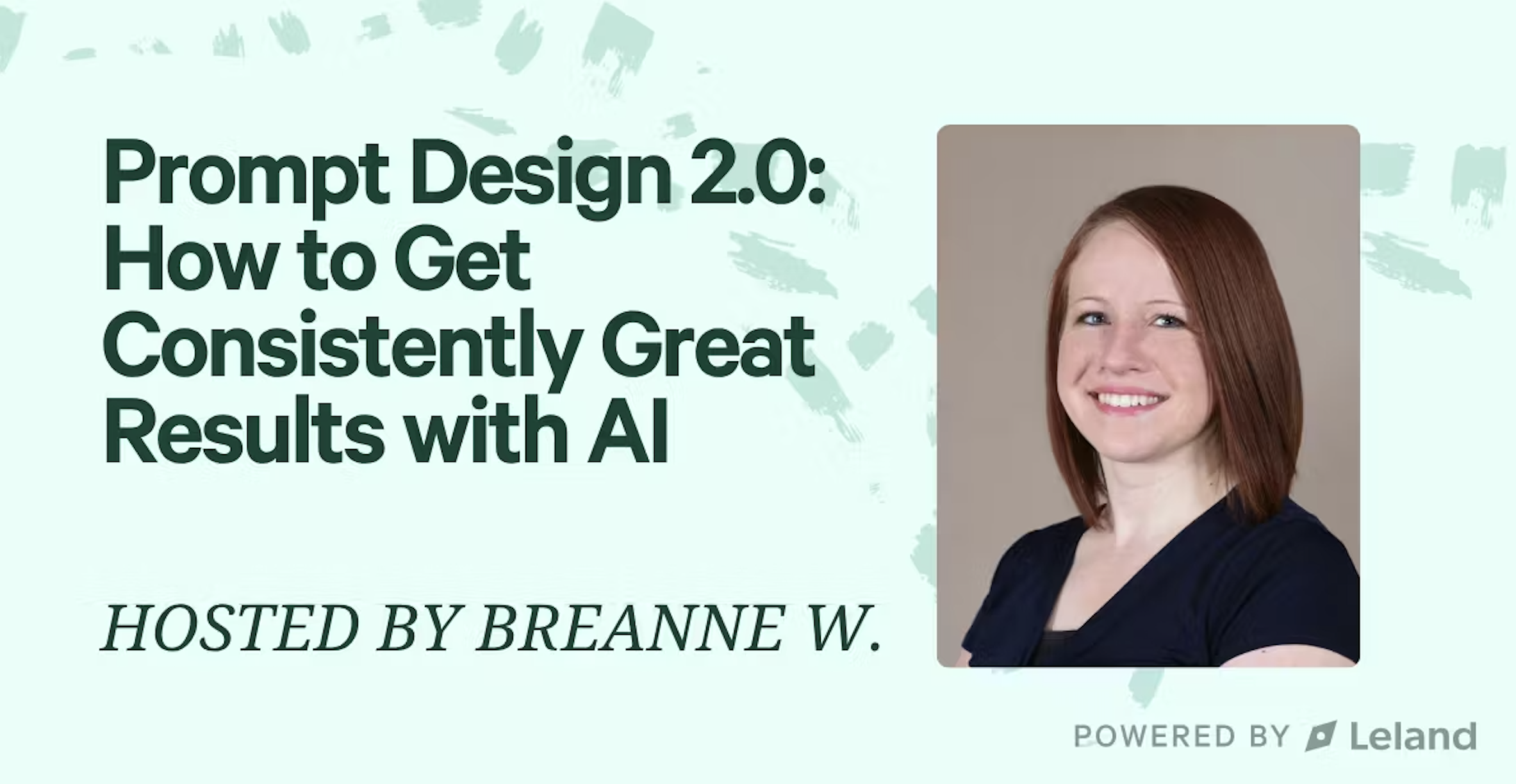
Prompt Design 2.0: How to Get Consistently Great Results with AI
If you’ve tried using AI but get inconsistent results, this session is for you. Learn how to think like an AI architect, using context, constraints, and iteration to get reliable, high-quality output every time. You’ll see real examples, practice refining prompts, and leave with frameworks you can reuse in your own work. Outcomes: You’ll leave knowing how to diagnose why prompts succeed or fail, improve them systematically, and create prompt templates that deliver consistent results for writing, research, or communication tasks. Learning Objectives: *Understand how context, constraints, and iteration affect AI output quality *Diagnose why a prompt isn’t working and apply structured methods to improve it *Develop reusable prompt frameworks tailored to your professional role

Deal Revitalization Skill
"/deal-action-engine" diagnoses stalled deals by reading the actual email thread and notes, then drafts a targeted re-engagement email addressing the specific blocker. To install, run this in your terminal after downloading the file: unzip ~/Downloads/deal-action-engine-skill.zip -d ~/.claude/skills/
Meeting Prep Skill
"/meeting-prep" generates a pre-meeting brief by pulling upcoming calendar events, searching Notion for relevant project context, and scanning Slack for recent conversations. This is all synthesized into a one-page brief covering purpose, outcomes, open questions, and prep notes. To install, run this in your terminal after downloading the file: unzip ~/Downloads/meeting-prep-skill.zip -d ~/.claude/skills/meeting-prep/
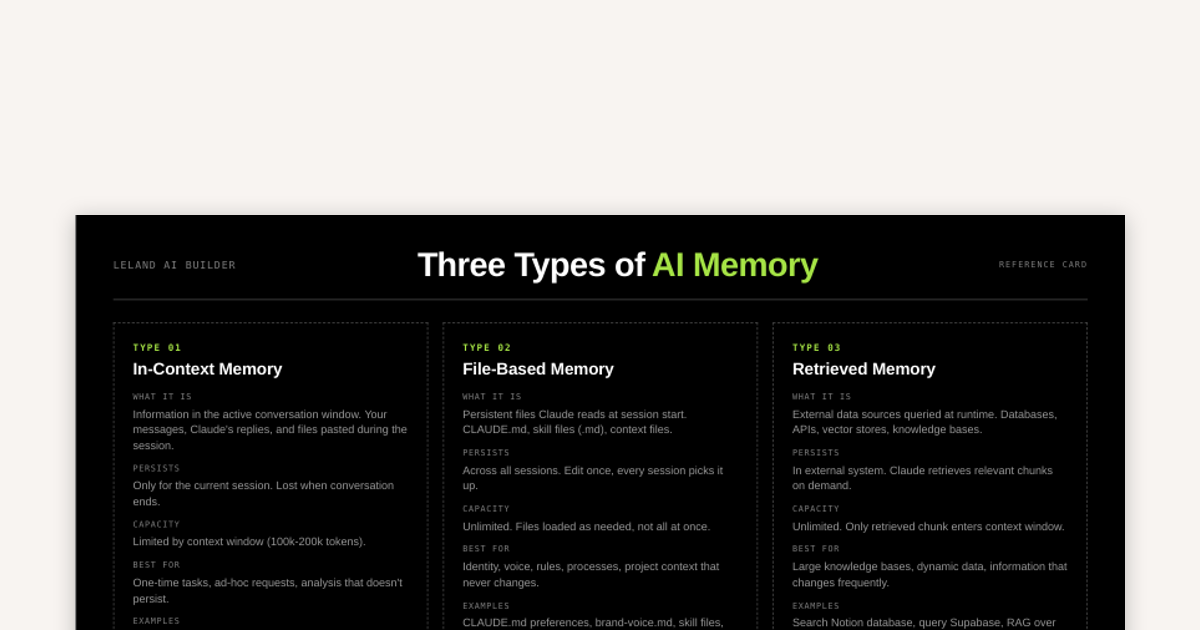
Three Types of AI Memory
There are three types of AI memory: in-context memory, file-based memory, and retrieved memory. This reference card outlines examples of each and tips for how to prioritize how you save and transfer data to AI Agents.
How to Create a Reusable AI Skill
This guide covers what should go inside of a SKILL.md and explores multiple methods for creating a skill: from fully manual to fully AI automated.
Project Status Update Skill
"/project-status" generates a stakeholder-ready project status update by pulling completed/in-progress/blocked tasks from Notion and recent Slack activity, structured with a traffic-light status, specific outcomes, blockers, and next milestone. To install, run this in your terminal after downloading the file: unzip ~/Downloads/project-status-skill.zip -d ~/.claude/skills/project-status/
Free
Investor Revenue Report Skill
"/investor-revenue-report" generates a board-ready revenue report with ARR trends, pipeline coverage, and target-vs-actual framing. To install, run this in your terminal after downloading the file: unzip ~/Downloads/investor-revenue-report-skill.zip -d ~/.claude/skills/
AI News Digest Skill
"/ai-news" pulls and summarizes the latest AI news, tools, and research into a structured digest. To install, run this in your terminal after downloading the file: unzip ~/Downloads/ai-news-skill.zip -d ~/.claude/skills/