Leland+ for Build with AI




Popular on Leland+
Free
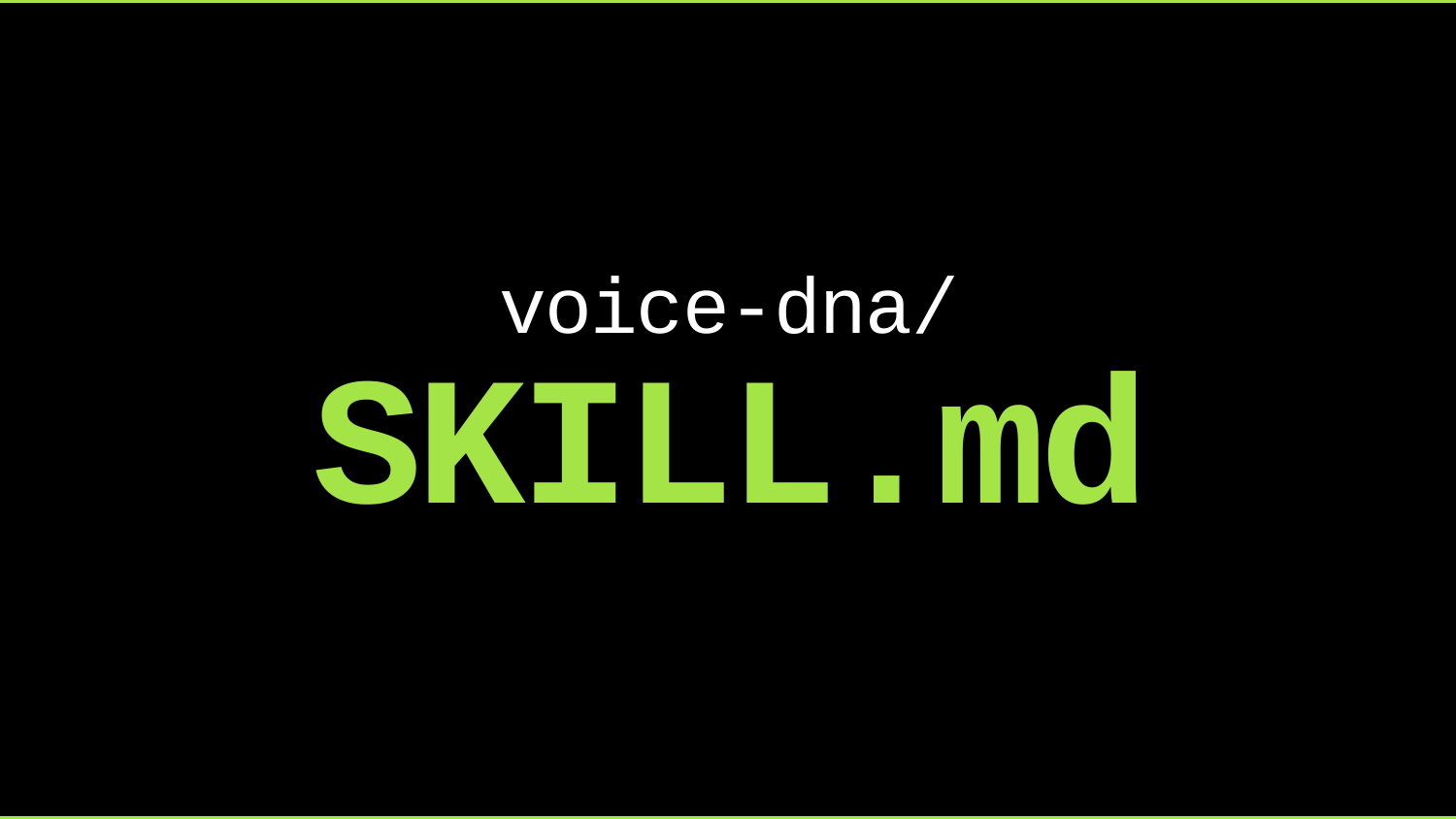
A Skill That Writes in Your Voice
"/voice-dna" analyzes writing samples to extract and document the user's voice, then applies it when drafting. To install, run this in your terminal after downloading the file: unzip ~/Downloads/voice-dna-skill.zip -d ~/.claude/skills/
Free
Standard Operating Procedure Skill
"/sop-creator" turns a process description or brain dump into a clear, scannable SOP (Standard Operating Procedure) or checklist someone else can follow. To install, run this in your terminal after downloading the file: unzip ~/Downloads/sop-creator-skill.zip -d ~/.claude/skills/
![How to Build an AI Job Search Agent [5/11/2026] (Recording)](https://customer-14xsjmjbqk93tdwp.cloudflarestream.com/d919da376a4b7d089145eb50d5aac4a7/thumbnails/thumbnail.jpg)
How to Build an AI Job Search Agent [5/11/2026] (Recording)
FREE BOOTCAMP SEAT GIVEAWAY ($999 VALUE). In this session, you will learn how to build a custom AI agent that automates the most time-consuming parts of your job search. We will cover how to set up an agent that tracks and prioritizes relevant job postings, drafts tailored outreach messages, and flags application deadlines without manual effort on your part. You will leave with a working framework you can deploy immediately, not just a conceptual overview. Lee works with job seekers on AI-assisted search strategies regularly, and the patterns they have identified across successful candidates reflect thinking that is hard to replicate by watching a recording alone.

![Build an AI-Powered Lead Gen System in 45 Minutes (No Code) [5/30/2026] (Recording)](https://customer-14xsjmjbqk93tdwp.cloudflarestream.com/870865d0b42e1f816cb8996994916619/thumbnails/thumbnail.jpg)
Build an AI-Powered Lead Gen System in 45 Minutes (No Code) [5/30/2026] (Recording)
A practical build-along where you design a simple, end-to-end AI-assisted outbound workflow — from prospecting and enrichment to first-touch drafting — tailored for lean service businesses. Leave with a concrete, working outbound system you can implement immediately. Agenda: • 10 min: Overview of the agentic approach (browser agents + human-in-the-loop) and why it beats hiring another SDR • 25 min: Structured build steps — you demo, they follow along with a provided checklist template • 10 min: Qualify who should get DFY support vs. continue DIY Who this is for: Founders of agencies, consulting firms, and service businesses who want to build a repeatable AI-powered outbound engine without writing code. CTA: If you want this system fully built and wired into your tools in 2 weeks, book a System Builder call.
Build a Personal AI That Schedules Your Life Over Text
You text "dentist tomorrow 3 to 4pm, bring x-rays" and it's on your calendar before you put your phone down. Join Luca Tomasino, AI Automation Expert and n8n specialist who has coached over 100 professionals on building real AI workflows, for an exclusive AI Builder session where you'll create a Telegram bot that reads your messages, checks your Google Calendar for conflicts, and books your events automatically over text. You'll build the entire thing inside n8n from scratch, live, in under an hour. By the end of the session, you'll text your own bot and watch the event land on your calendar in real time, not in a demo, on your actual phone. This isn't a tutorial you'll finish later. Luca will walk you through every node, every connection, and every decision as you build, teaching you the core n8n concepts that unlock every other automation you'll ever want to build: triggers, AI agents with structured output, conditional logic, and multiple API integrations, all in one flow.
![Home for Ambition #9 — Weekly Live Show [5/13/2026] (Recording)](https://customer-14xsjmjbqk93tdwp.cloudflarestream.com/701ec4a41681bb4d55afe3a3dc69dc8d/thumbnails/thumbnail.jpg)
Home for Ambition #9 — Weekly Live Show [5/13/2026] (Recording)
Home for Ambition is a weekly live show, by Leland, for people trying to stay ahead as work, learning, and opportunity keep changing. Each episode tackles a handful of timely, high-signal topics across AI, careers, education, and the future of work. We expect thoughtful debate, unique perspectives, and practical takeaways you can actually use. It is not a typical interview show or a generic news recap. It is a live roundtable built to help ambitious people make sense of what is changing, understand what matters, and leave with a sharper point of view on how to navigate what comes next.

Free
The Claude Code Keyboard Shortcuts Cheat Sheet
A one-page visual reference for every Claude Code keyboard shortcut — modes, input, navigation, prompts, IDE integration, and desktop hotkeys. Built for anyone using Claude daily who wants to stop reaching for their mouse and start commanding at the speed of thought. Pro tip: pair this with WISPR Flow to work like 5x faster: https://wisprflow.ai/r?BEN101358 -- my philosophy is that your work and your output shouldn't be restricted by the physical.

![Claude Essentials for Engineers [5/19/2026] (Recording)](https://customer-14xsjmjbqk93tdwp.cloudflarestream.com/e0605b503b7170ef00152e0452fd9bee/thumbnails/thumbnail.jpg)
Claude Essentials for Engineers [5/19/2026] (Recording)
Most engineers use Claude like a smarter autocomplete. Type a prompt, read the answer, type again. That's not a workflow — that's just waiting. In this 45-minute live session, I'll show you exactly how I've configured Claude to work in the background while I keep shipping. You'll see my real setup: Git worktrees running parallel agents on separate branches, async notifications that ping me when Claude's done, skills that produce production-quality output every time, and a CLAUDE.md that gives Claude deep context on my codebase without me repeating myself. WHAT YOU'LL WALK AWAY WITH → Git worktrees set up so you can run multiple Claude agents simultaneously without branch chaos → An async notification workflow that frees you from watching progress bars → A reusable skill you can use to get consistent, high-quality output on repeat tasks → A CLAUDE.md file structure that makes Claude immediately useful in any project WHO THIS IS FOR This session is built for engineers at all levels — whether you've never heard of CLAUDE.md or you're already using Claude daily and want to go deeper. Non-technical founders who work alongside engineering teams will also find the workflow principles directly applicable. WHAT MAKES THIS DIFFERENT Everything in this session comes from shipping real projects with Claude. No theory, no slides full of bullet points. I'll be live in my actual environment, showing the tools and configs I use every day. You'll leave with things you can set up in under 30 minutes — and that will still be working for you months from now.
Free
![AI Can't Do Everything. Here's What It Can Do. [6/9/2026] (Recording)](https://customer-14xsjmjbqk93tdwp.cloudflarestream.com/51c67ee9312b18a0e927e3e15d88cb98/thumbnails/thumbnail.jpg)
AI Can't Do Everything. Here's What It Can Do. [6/9/2026] (Recording)
With so much conversation around AI, it can be hard to separate real capabilities from inflated expectations. This session is designed for professionals, builders, and curious learners who want a practical understanding of where AI creates value—and where it still falls short. You’ll learn how to identify high-impact use cases, understand the types of tasks AI handles best, and recognize the limitations that still require human judgment, context, and decision-making. Attending live gives you the opportunity to ask questions about your own workflows and challenges and get real-time guidance on how AI can fit into them. The speaker works closely with individuals and teams adopting AI and will share the patterns they see across successful implementations, along with how they evaluate where AI meaningfully improves outcomes versus where it adds complexity. If you want a more grounded understanding of what AI can realistically do today, it’s worth joining live.
Free
![Home for Ambition #10 — Weekly Live Show [6/3/2026] (Recording)](https://customer-14xsjmjbqk93tdwp.cloudflarestream.com/5d08f6ff5ba4e22d2e947dee6b73f520/thumbnails/thumbnail.jpg)
Home for Ambition #10 — Weekly Live Show [6/3/2026] (Recording)
Home for Ambition is a weekly live show, by Leland, for people trying to stay ahead as work, learning, and opportunity keep changing. Each episode tackles a handful of timely, high-signal topics across AI, careers, education, and the future of work. We expect thoughtful debate, unique perspectives, and practical takeaways you can actually use. It is not a typical interview show or a generic news recap. It is a live roundtable built to help ambitious people make sense of what is changing, understand what matters, and leave with a sharper point of view on how to navigate what comes next.
Build a Cold Outbound Email Agent
The math of cold outbound never quite works. A genuinely personalized email takes twenty minutes. A templated one gets a one percent reply rate. Either way, you're losing time. In this exclusive AI Builder session, Jonathan McLemore will walk you step by step through building a cold outbound email agent powered by Claude, one that researches every prospect on your lead list, writes a personalized first-touch email for each, and queues them up for you to review before sending. By the end of the hour you'll have a working agent ready to put to work the next morning. But the email agent is just the on-ramp. The real takeaway is the playbook: how to turn a one-off chat with AI into a repeatable system that processes an entire list the same way, every time. First outbound. Next a lead qualification agent, a customer research bot, a weekly report that writes itself. Same skill, different shape. Jonathan builds AI automations for sales teams as the founding solutions engineer at Plinko Solutions. He's done this for a living. Now he'll do it with you. Open exclusively to AI Builder Program members.
Free
![Which AI Tool Should I Use? [6/8/2026] (Recording)](https://customer-14xsjmjbqk93tdwp.cloudflarestream.com/6781c4b9445b0cacbc6b1634ac8c18d4/thumbnails/thumbnail.jpg)
Which AI Tool Should I Use? [6/8/2026] (Recording)
With new AI tools launching constantly, it can be difficult to know which ones are actually useful and which are just adding noise to your workflow. This session is designed for professionals, builders, and curious learners who want a practical framework for choosing the right AI tools based on their goals and use cases. You’ll learn how to evaluate tools across different categories, understand where specific tools perform best, and build a more intentional approach to integrating AI into your work. Attending live gives you the opportunity to ask questions about your own workflows, challenges, and tool stack in real time. The speaker works closely with individuals and teams adopting AI and will share the patterns they see across successful implementations, along with how they think through tool selection in practice. If you want a clearer approach to navigating the growing AI landscape, it’s worth joining live.
![Build Your First Personal AI Agent: A Practical System for Saving Time Without Losing Quality [5/28/2026] (Recording)](https://customer-14xsjmjbqk93tdwp.cloudflarestream.com/b1423ab4393bb7a6c454a8200565c4e1/thumbnails/thumbnail.jpg)
Build Your First Personal AI Agent: A Practical System for Saving Time Without Losing Quality [5/28/2026] (Recording)
After this session, you will know how to design and deploy a simple personal AI agent that handles repeatable tasks without degrading the quality of your output. We will cover how to map your workflow to find the right automation entry points, how to prompt and chain AI tools to act on your behalf, and how to build in checkpoints that keep your judgment in the loop. Attending live means you can describe your actual setup and get a direct answer about where automation fits your specific situation, which a recording cannot replicate. The coach builds and iterates on AI systems as a practitioner, and this session is a rare look at how that thinking works in practice.

An Introduction to n8n
n8n is an AI-powered workflow automation platform that connects apps, data, and AI in a visual interface. This guide will teach you what it is, how to use it, and how to get started in n8n.
AI Tools For Venture Capital
This toolkit covers deal sourcing, research workflows and due diligence, financial modeling, and porfolio management for Venture Capital firms.
![Build a Job Search Operating System (JSOS) [5/13/2026] (Recording)](https://customer-14xsjmjbqk93tdwp.cloudflarestream.com/889300a69bfc32458d4077017264bd43/thumbnails/thumbnail.jpg)
Build a Job Search Operating System (JSOS) [5/13/2026] (Recording)
Build Anything Series · Event 01 · Free · Live The job search is the most expensive workflow most people will ever run — and the one they're least equipped for. Spreadsheets, sticky notes, half-tracked outreach, lost interview notes. By the end of this hour, you'll learn how to create a complete Job Search Operating System to help you land your next offer. What we'll walk through live: - A real applicant tracker | every role, company, and contact in one view. Status, last action, next step, follow-up date. - Automated outreach + research | pull company context, drafts personalized outreach, surfaces the right people to message. - Synced notes, prep, offer comparison | interview notes that auto-link to the role, prep doc generation per company, structured offer comparison when it's time to choose. Who it's for: - People actively job searching or about to start - Career switchers, returning-to-work folks, recent grads - Anyone who's run a search before and remembers losing track of half of it Not a fit if: - You enjoy manual data entry and Excel-tab chaos - You'd rather pay $300 for a static prompt template that fails instead of learning the principles yourself - You want a one-click magic button I'll be honest about where AI helps and where it doesn't, and how to keep the system running without me. Bring your laptop and follow along, or lean in, watch, and replicate after.
![Getting Started With an Always-On AI Agent for the Working Professional [5/19/2026] (Recording)](https://customer-14xsjmjbqk93tdwp.cloudflarestream.com/0eb83b53a3d87ae862c5628c17b78081/thumbnails/thumbnail.jpg)
Getting Started With an Always-On AI Agent for the Working Professional [5/19/2026] (Recording)
After this session, you will know how to set up an AI agent that runs in the background of your work life, handling recurring tasks without requiring your attention each time. We will cover how to identify which professional workflows are worth automating first, how to choose and configure the right tools for a working professional's setup, and how to keep an agent running reliably after the initial build. Attending live means you can describe your actual job and get a direct read on where automation would give you the most leverage, something a recording cannot replicate. The coach works with AI agents daily and will share the patterns that separate setups that hold up over time from ones that quietly break.
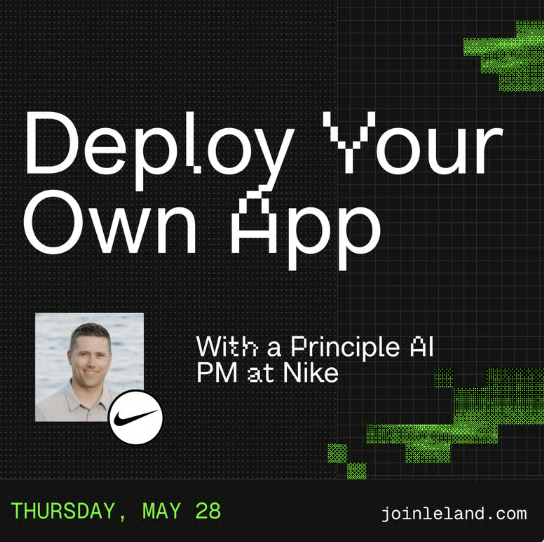
Deploy Your Own App
Vibe coding got you to a working app. Now how do you actually get it on your phone, or anyone else's? Join Jon Metz, Principal AI Product Manager at Nike, for a hands-on session covering everything between finished code and a real product. Whether you're trying to launch something to the world, get your app on the App Store for a real user base, or just want that AI personal trainer you built last week actually living on your phone, Jon will walk you through how to get there. You'll cover Apple Developer setup, connecting Claude Code to your Supabase backend, the final production checklist, and how to install an app on your own device without touching the App Store at all. Come with your own app or use the example. Either way, you leave with something real on a real device.
Claude Design: Build Campaign Ready Assets in 60 mins
Most marketers leave a brief meeting with a direction and a timeline. You're going to leave this one with the assets. Join Albert C., a former marketer at Meta, for an exclusive AI Builder session where you'll produce three campaign-ready assets in real time. By the end of the hour, you'll have a landing page, a 5-slide social carousel, and a short product video, all built by you, on brief, from scratch. This isn't a walkthrough. You build alongside Albert C. the entire time, so you leave with finished work, not notes about finished work. The session covers prompt patterns for visual consistency, how to brief Claude on brand voice and color, and how to move efficiently across asset types without losing creative direction. You'll also walk away with a reusable prompt framework you can take back to any brief, for any product, so the work you do in this session isn't a one-time thing. Come with a product in mind. Everything else is provided.

Free
![Top 10 Ways to use Claude in Your Business [5/11/2026] (Recording)](https://customer-14xsjmjbqk93tdwp.cloudflarestream.com/0e936d9ed2e7113c0d2b269616bc9ec8/thumbnails/thumbnail.jpg)
Top 10 Ways to use Claude in Your Business [5/11/2026] (Recording)
FREE BOOTCAMP SEAT GIVEAWAY ($999 VALUE). After this session, you will know how to put Claude to work inside a real business workflow. We will cover how to build effective prompts for client-facing deliverables, how to set up simple automation sequences that save hours each week, and how to identify which repetitive tasks in your business are the best candidates for AI handling first. Attending live means you can describe your specific business context and get a direct answer about where Claude fits, something a recording cannot replicate. The coach works with AI tools daily across client engagements, and this session reflects the kind of practical judgment that only comes from building and iterating these systems in the real world.